HDEXT50M: 1080p HDMI Over One Cat6 Cable, Powered by PoC
HDEXT50M sends 1080p@60Hz HDMI up to 50m/164ft over one CAT6/6a cable, with one-way PoC powering the receiver and bi-directional IR control.


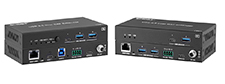 EXT-USBC2XI-100M
Dual-Host USB 3.2 Gen 1 Extender over CAT6a — USB-C & USB-B Inputs, 100m/328ft
USB-C & USB-B Host Inputs | 5Gbps over CAT6a to 100m | RS-232, FSYNC & Bi-Directional 24V PoC
Product page →
The EXT-USBC2XI-100M carries USB 3.2 Gen 1 at up to 5Gbps for 100m/328ft over a single CAT6a (F/FTP) cable. Two computers can connect to it: one over USB-C and one over USB-B. The pair also passes RS-232 and an FSYNC camera-sync signal, and powers both units from one supply. It needs no drivers, downloads or software, so the peripherals at the far end work as if they were plugged into the host.
Applies to: EXT-USBC2XI-100M
It extends USB 3.2 Gen 1 at up to 5Gbps for 100m/328ft over one CAT6a (F/FTP) cable. It is backwards compatible with USB 2.0 and 1.1, so older peripherals work on the same link. The USB cable at each end can be up to 1.5m/4.9ft long. Hardware acceleration for isochronous and bulk transfer is built in, which covers both streaming devices and file transfers. Use shielded F/FTP cable: on unshielded cable the link may drop to USB 2.0 at 100m.
The transmitter has two host inputs. HOST 1 is USB-C, for a USB-C computer or controller. HOST 2 is USB-B, for a computer or legacy control system. You can switch between them with the host button on the transmitter, or let the extender choose by detecting USB 5V on each input. The HOST 1/2 LED shows which input is active. A control system can also select the host with the ASCII commands set input 1 and set input 2, and turn automatic switching on or off with set autoswitch on and set autoswitch off.
Peripherals can plug in at both ends. The receiver has one USB-C and three USB-A device ports. The transmitter has one USB-C and two USB-A device ports of its own. Most ports supply 5V/1A, and two of the receiver's USB-A ports supply 5V/1.5A. A device that needs more power than its port supplies may need a self-powered USB hub at the receiver. Over the API, you can set each device port to off, on while a host is connected, or always on.
It supports HID, Mass Storage, Audio, Video Class and CDC devices. If a device is not recognised at the receiver, check first that its class is on this list, then check that it does not draw more power than its port supplies.
Three more things share the cable with USB:
No. The PoC system is designed for one power supply only. Connect the included 24V/3.75A locking adapter to either the transmitter or the receiver, never to both at once. The other unit is powered over the CAT6a cable.
No. Run the CAT6a F/FTP cable directly from the HDBT-USB3 port on the transmitter to the HDBT-USB3 port on the receiver. There must be no network switches, patch panels, couplers or coupler boxes in the path. When the units are linked, the LINK LED stays lit on both. The USB LED stays lit for a USB 3.0 connection and blinks for USB 2.0.
You can send API commands through the RS-232 pins or through the USB-C SERVICE port on either unit. The SERVICE port is fixed at 115200 bps. The RS-232 port can be set from 4800 to 115200 bps and starts at 115200 bps. Both use 8N1. Firmware updates go through the SERVICE port, one unit at a time, and either HOST port can update the hub firmware.
| USB | USB 3.2 Gen 1, up to 5Gbps; backwards compatible with USB 2.0 / 1.1 |
| Distance | 100m/328ft over CAT6a (F/FTP); 1.5m/4.9ft USB cable |
| TX Inputs | 1x HOST 1 (USB-C) | 1x HOST 2 (USB-B) |
| TX Outputs | 1x USB-C DEVICE | 2x USB-A DEVICE | 1x HDBT-USB3 (RJ45, 24V PoC) |
| RX Outputs | 1x USB-C DEVICE | 3x USB-A DEVICE (2x 5V/1A, 2x 5V/1.5A device ports in all) |
| Control (TX and RX) | RS-232 + FSYNC on one 4-pin 3.5mm phoenix block (TX, ground, RX, IO) | SERVICE (USB-C, firmware update) |
| Power Supply | AC 100-240V 50/60Hz input; DC 24V/3.75A output; bi-directional PoC |
| Power Consumption | TX 23W max | RX 35W max |
| Operating Temp | 0-40°C / 32-104°F |
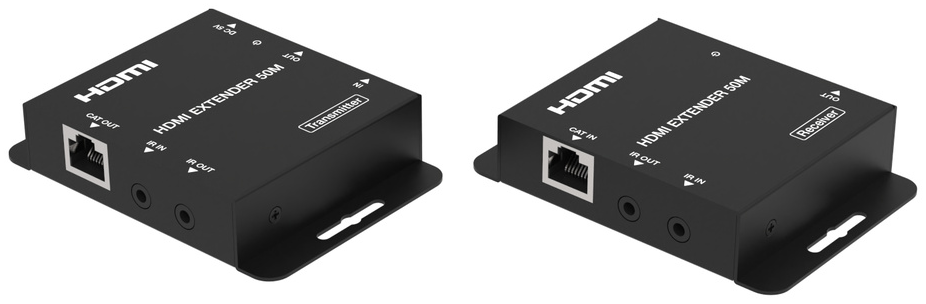
HDEXT50M sends 1080p@60Hz HDMI up to 50m/164ft over one CAT6/6a cable, with one-way PoC powering the receiver and bi-directional IR control.
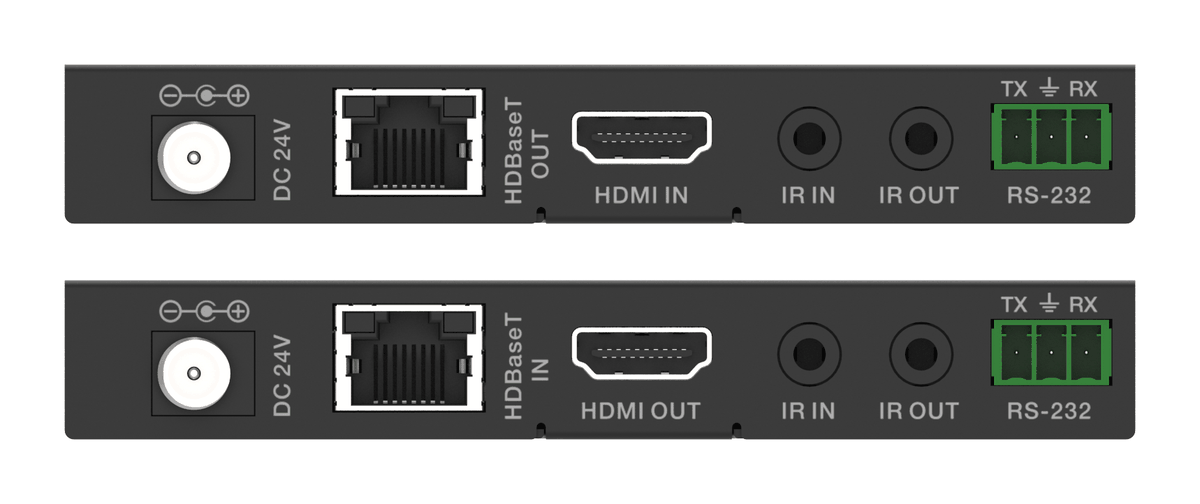
An HDBaseT kit that sends 18Gbps HDMI, IR and RS-232 over one CAT6, with one 24V adaptor at either end powering the transmitter and receiver.
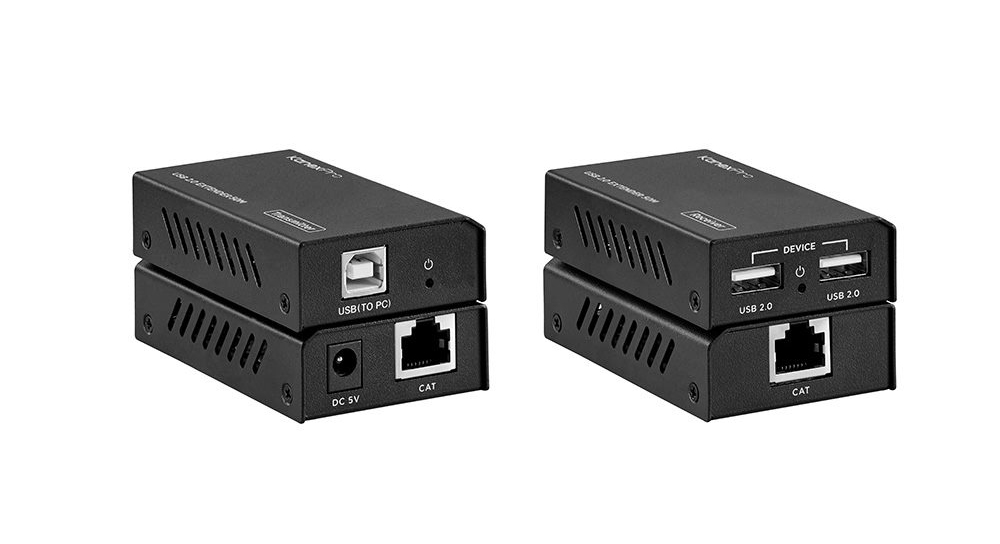
The EXT-USB250M extends USB 2.0 (up to 480Mbps) 50m/164ft over one Cat5e/6 cable, with two USB-A ports at the far end and a bus-powered transmitter.
KanexPro sells direct to dealers, resellers, installers and integrators, and through distribution. Whichever way you buy, the same engineers answer the phone.
The trade store: your own account, live stock, reordering, and a first look at new products.
Go to the trade store →Distribution and authorised resellers across the US and beyond.
See where to buy →Design help on extenders, matrix and AV over IP before you spec it.
Ask an engineer →