Small Meeting Rooms Don't Need a Separate Audio or Control Processor
In a small meeting room, a presentation switcher with a built-in audio matrix and display control can replace the separate DSP and control processor.


Specifying extension, switching, splitting and AV over IP: what to choose, and where installations go wrong.
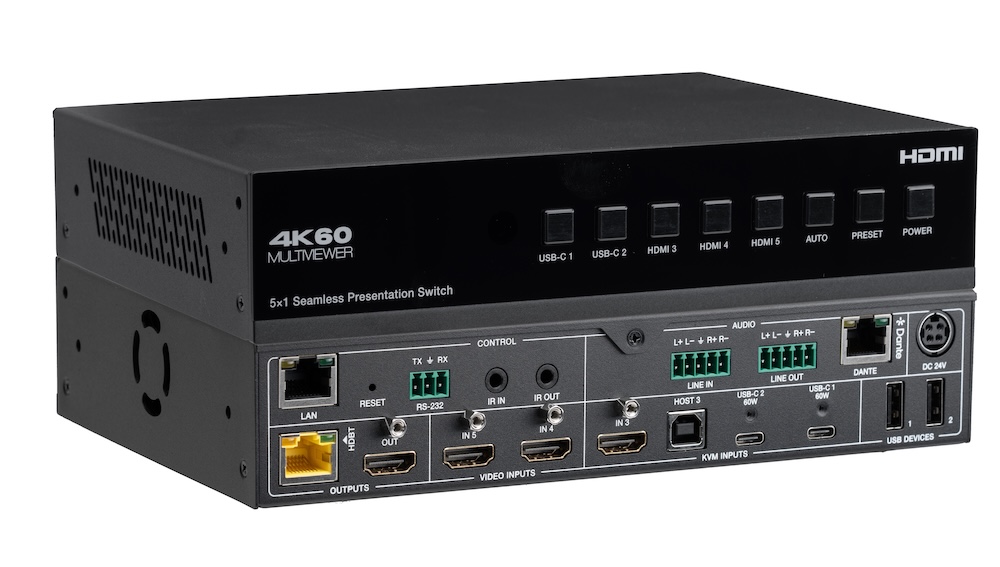
In a small meeting room, a presentation switcher with a built-in audio matrix and display control can replace the separate DSP and control processor.
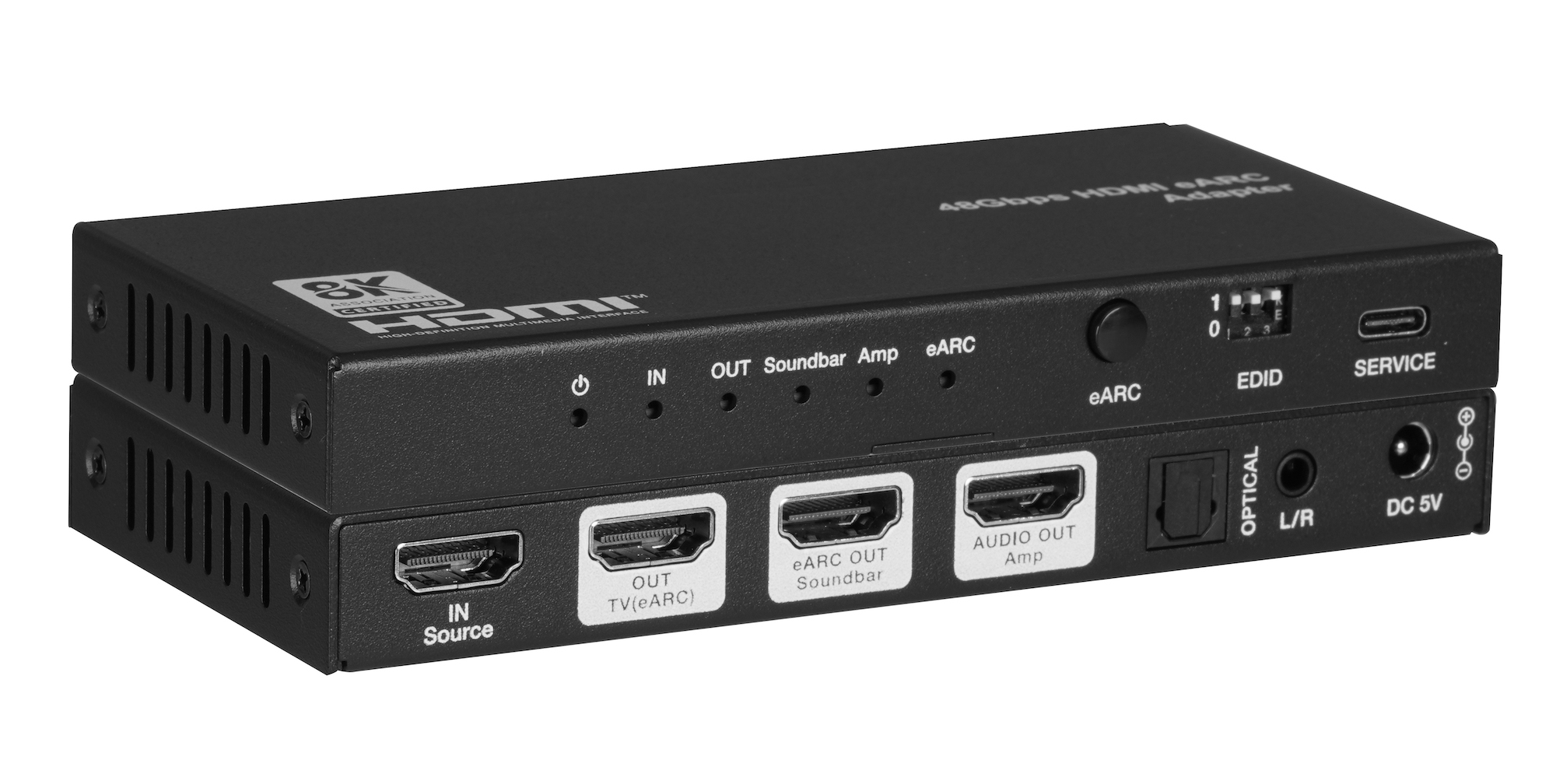
When one TV eARC port has to feed a soundbar and an amplifier, spec one adapter with both HDMI audio outputs instead of chaining two extractors.
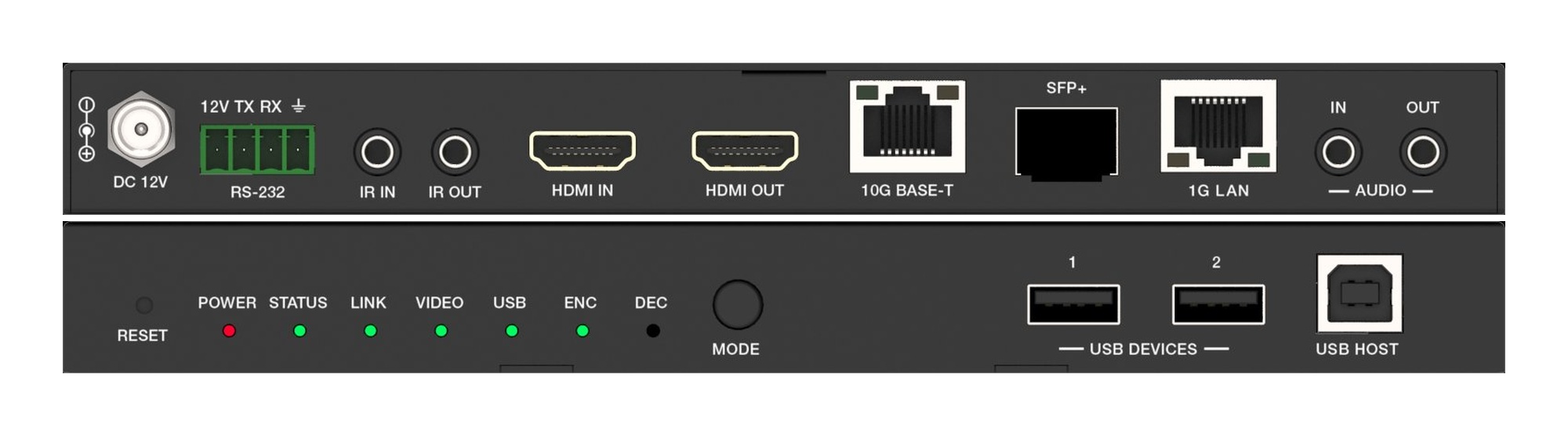
A fixed HDMI matrix switcher locks a job to its port count. Uncompressed 10G AV over IP routes the same way with zero-frame latency and room to grow.
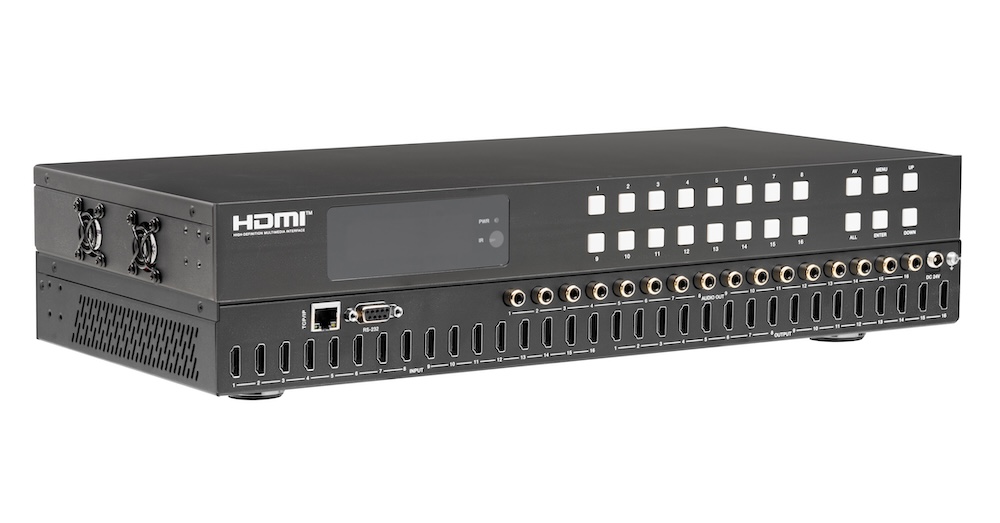
Pull audio for amps and soundbars from the matrix outputs, not from an extractor box behind each screen. Fewer boxes, fewer handshakes to debug.
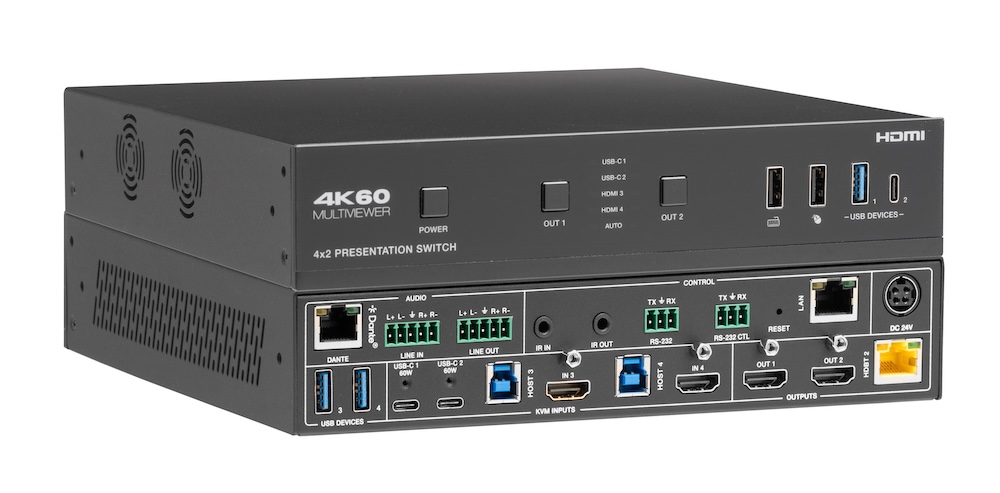
Laptops at the table need video, power, USB and network. Put that on one USB-C input at the switch rather than an HDMI cable and a bag of adapters.
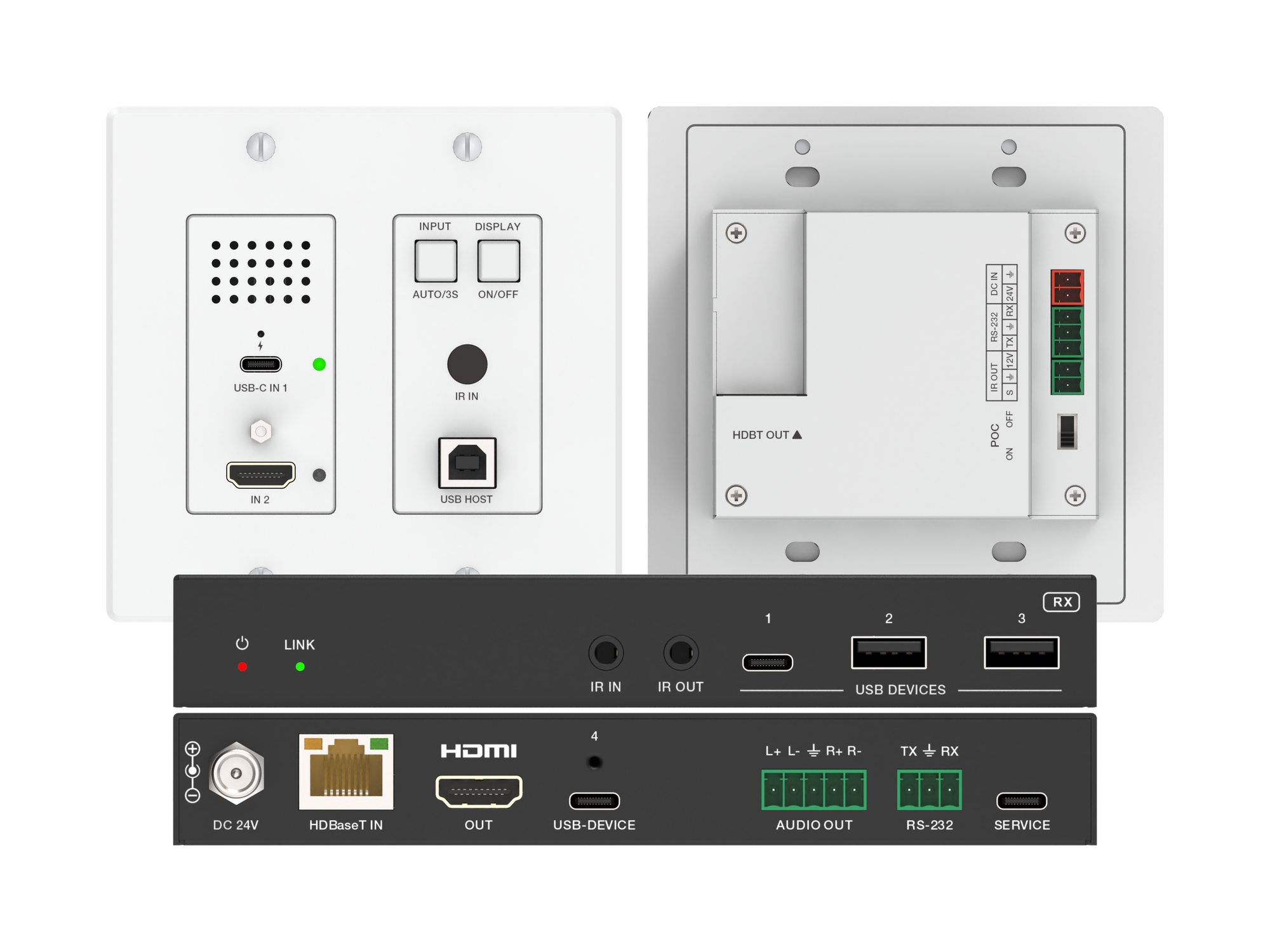
How one 2-gang wall-plate carries laptop video, USB camera and mic, and 60W charging to a distant display over a single CAT6/6A run.
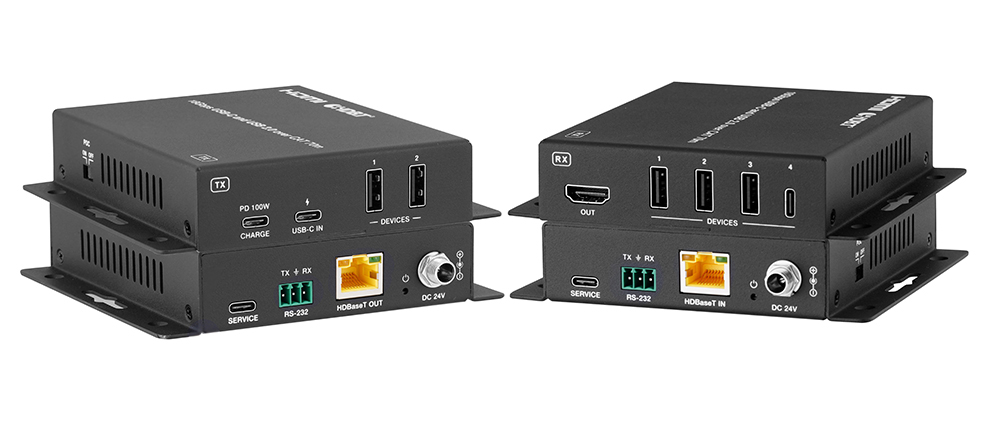
A BYOD room gets designed around the display, the room camera, and the network — and then the actual connection between the laptop and all of it is…
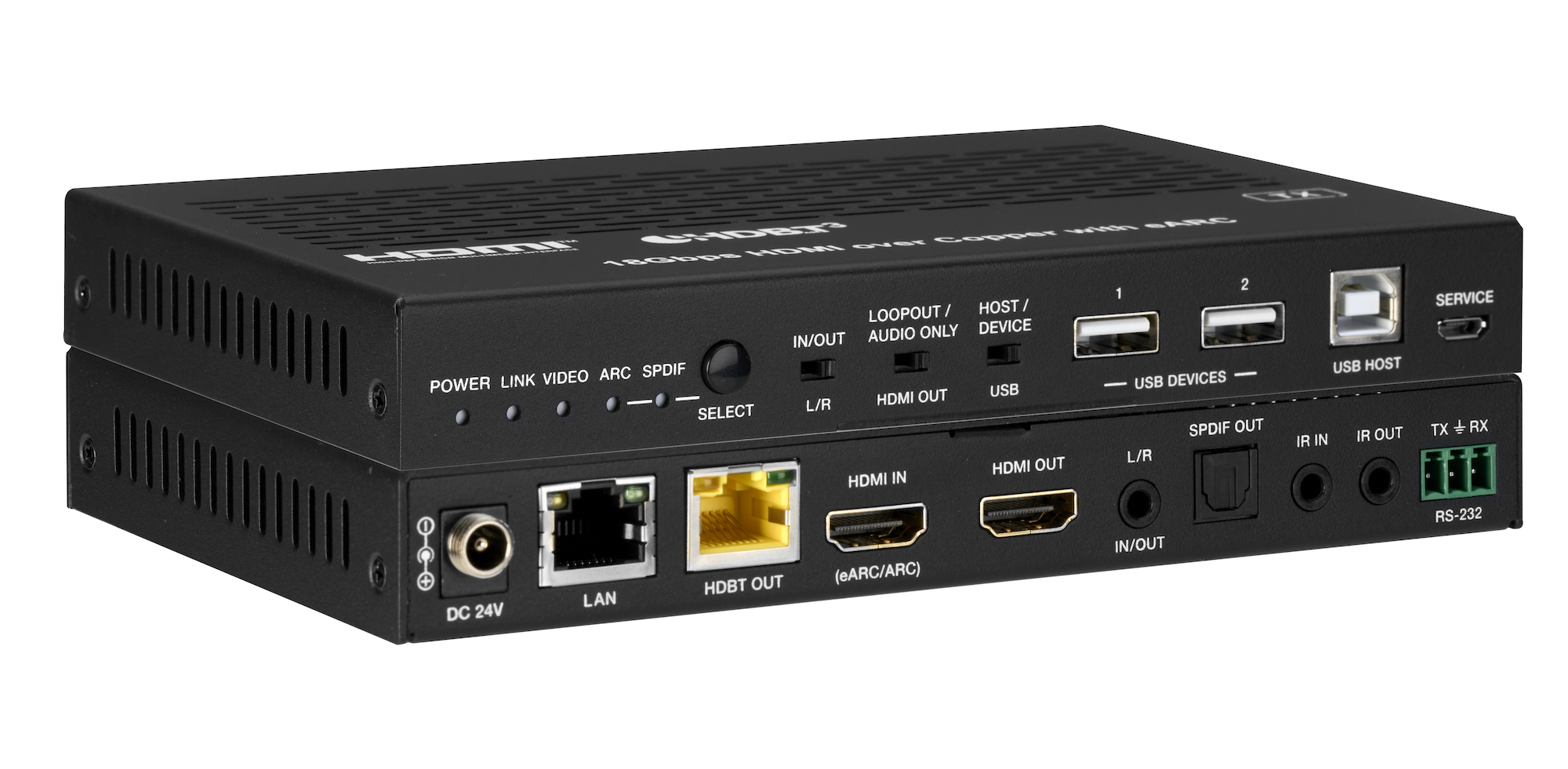
How the EXT-HDBT3ARC-TX carries 4K60 video out to the display and brings eARC audio back down the same CAT6A cable, with USB 2.0, Gigabit Ethernet…
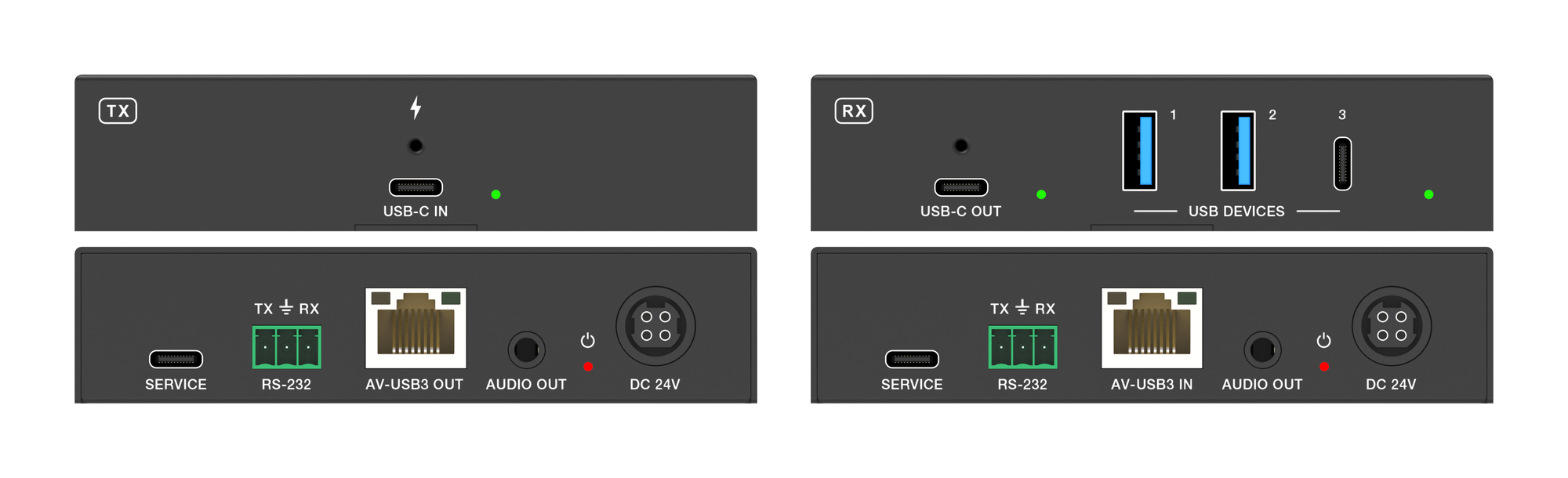
How to carry USB-C video, touch return, USB 3.2 data and 100W charging from a laptop to an interactive panel over one CAT6a cable up to 40m.
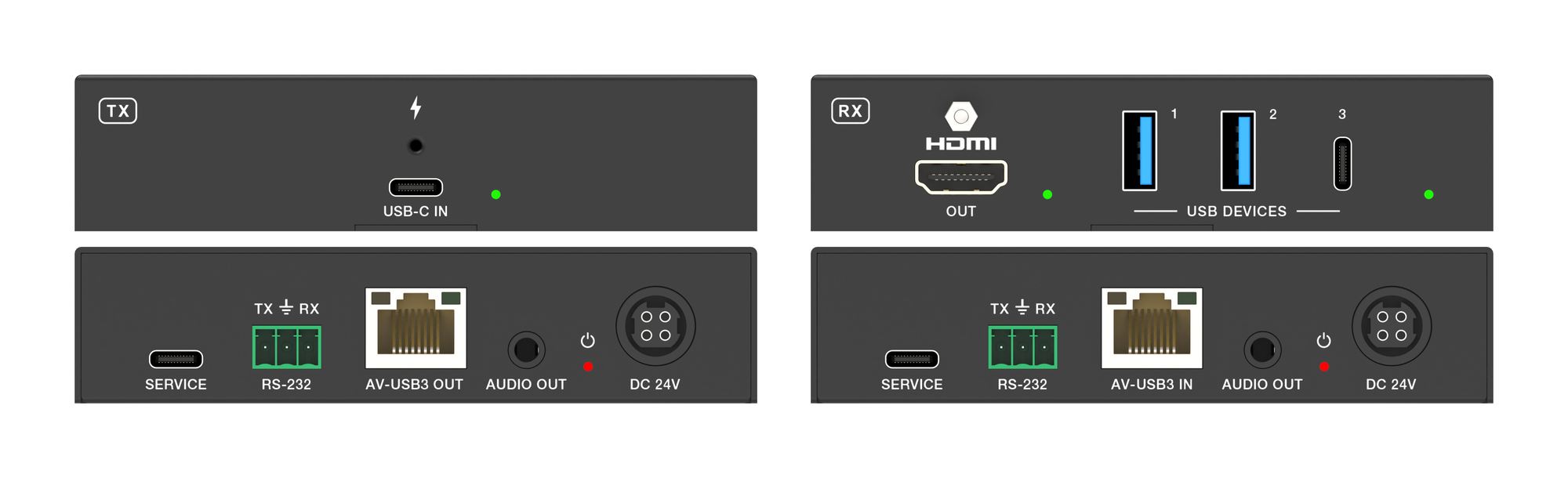
How the EXT-USBCPD4K-40M carries laptop video, USB 3.2 peripherals and up to 100W charging to a room over one CAT6a cable.
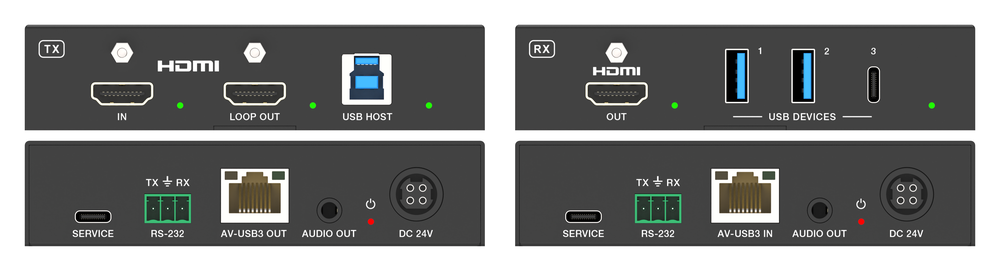
Extending a workstation down a single Cat cable is a solved problem twice over. Video has been solved for years. Keyboard and mouse have been solved…
How to Choose the Right HDMI Converter, De-Embedder or Presentation Switcher If your audio and video need to travel different paths, you need an HDMI…
Subscribe by RSS — new guides as they are published, in any reader.
KanexPro sells direct to dealers, resellers, installers and integrators, and through distribution. Whichever way you buy, the same engineers answer the phone.
The trade store: your own account, live stock, reordering, and a first look at new products.
Go to the trade store →Distribution and authorised resellers across the US and beyond.
See where to buy →Design help on extenders, matrix and AV over IP before you spec it.
Ask an engineer →