EXT-HDBT18G-70M: 4K60 HDBaseT Kit with Power over Cable
An HDBaseT kit that sends 18Gbps HDMI, IR and RS-232 over one CAT6, with one 24V adaptor at either end powering the transmitter and receiver.


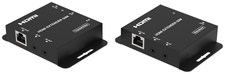 HDEXT50M
1080p60 HDMI Extender over Single Cat6/6a - 50M
Reach the Far Display on One Cable Without Paying for 4K - One-Way PoC, Bi-Directional IR, HDMI…
Product page →
HDEXT50M
1080p60 HDMI Extender over Single Cat6/6a - 50M
Reach the Far Display on One Cable Without Paying for 4K - One-Way PoC, Bi-Directional IR, HDMI…
Product page →
The HDEXT50M sends HDMI video and audio up to 50m/164ft at 1080p@60Hz over a single CAT6/6a cable. Transmission is uncompressed with zero delay. The transmitter powers the receiver over that same cable, so the display end needs no outlet. It is built for integrators fitting out classrooms, digital signage and small rooms where a 1080p display is enough and the source stays in a rack.
Applies to: HDEXT50M 1080p60 HDMI Extender over Single Cat6/6a (transmitter and receiver kit)
It is a matched transmitter and receiver. The transmitter takes an HDMI source, such as a Blu-ray player or PC, and sends the signal down one CAT6/6a run to the receiver, which drives the display. The transmitter also has an HDMI loop-out, so a local monitor can mirror the source while the far display shows the same picture. The manual lists demonstrations, video conferencing and multimedia teaching as typical uses. Both units are compact and come in black metal enclosures with ESD protection.
No. The HDEXT50M uses one-way PoC (power over cable). The transmitter's power supply feeds the receiver over the same CAT cable that carries the video. The receiver has no DC jack of its own, and its green Power LED lights once it is powered over the cable. The link is point to point: connect the transmitter's CAT OUT straight to the receiver's CAT IN. The only power outlet you need is at the source end.
The kit ships with one 5V/1A multinational power supply, which plugs into the transmitter's DC 5V port. Any replacement must supply DC 5V/1A. The transmitter draws 1.48W (max) and the receiver 0.73W (max), and the transmitter's one supply powers both.
It is HDMI 1.3 and HDCP 1.4 compliant, with 4.95Gbps of video bandwidth. Supported resolutions go up to 1080p@60Hz and 1920×1200@60Hz, at 8-bit colour depth in RGB 4:4:4, YCbCr 4:4:4 or YCbCr 4:2:2. Audio passes through as LPCM 2.0 / 5.1 / 7.1CH, DD, DD+, DTS, Dolby TrueHD and DTS-HD Master, at a 48KHz sample rate. It does not carry 4K. For a 1080p display that is a deliberate trade, not a shortfall.
The HDEXT50M copies and passes EDID through at both the source and sink ends. The source reads what the connected display reports, which helps keep handshakes consistent when a site has a mix of display models. If the far display shows no picture, the product record says to check three things in this order: the green Power LED is lit on both units, the CAT cable is terminated straight-through to T568B at both plugs, and the HDMI cables are fully seated at the source and the display.
IR passes in both directions, wideband 20K–60KHz at a 5Vp-p level. Each unit has a 3.5mm IR IN and IR OUT, and the kit includes one IR wideband receiver cable and one IR blaster cable (1.5m each). With the IR receiver at the display end and the blaster over the source in the rack, a remote in the room controls the hidden source. Reverse them and you can control the display from the source end. Place the blaster over the target device's IR window.
Use CAT6/6a for runs up to 50m/164ft at 1080p@60Hz. Terminate both ends with UTP connectors wired straight-through to T568B, and connect the transmitter directly to the receiver. Do not use a crossover arrangement. If the picture becomes unstable on a long run, check that the run is within 50m/164ft at 1080p@60Hz and recheck the T568B termination at both plugs. KanexPro recommends surge protection for the installation.
| Transmission Distance | 50m/164ft for 1080p@60Hz over CAT6/6a cable |
| Video Resolution | Up to 1080p@60Hz, 1920×1200@60Hz |
| Video Bandwidth | 4.95Gbps |
| HDMI / HDCP | HDMI 1.3 / HDCP 1.4 |
| Color Depth | 8-bit |
| IR Frequency | Wideband 20K–60KHz |
| PoC | One-way (Transmitter to Receiver) |
| Power Supply | DC 5V/1A |
| Power Consumption | Transmitter: 1.48W (max); Receiver: 0.73W (max) |
| Cable Termination | Straight-through UTP (T568B), both ends |
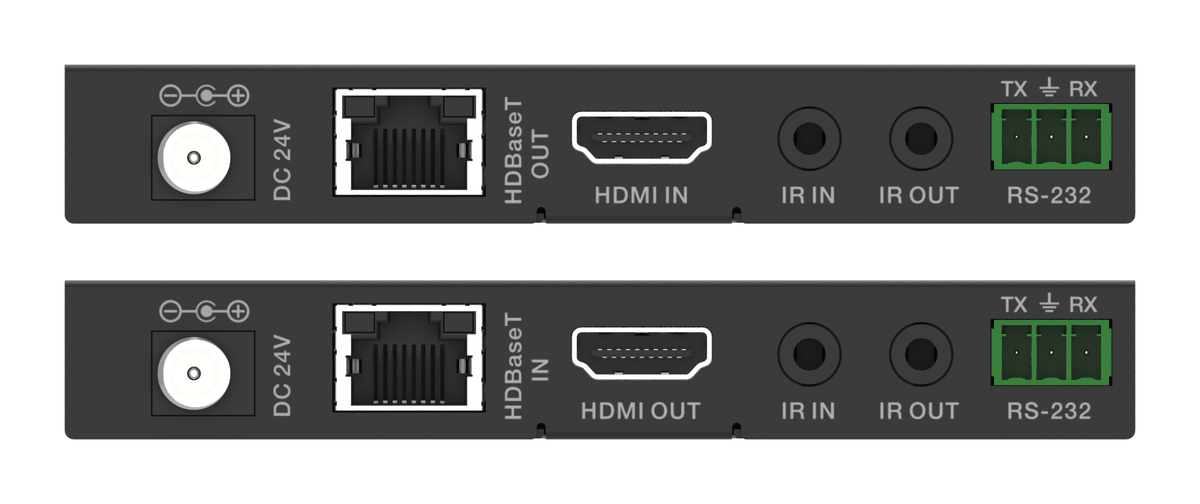
An HDBaseT kit that sends 18Gbps HDMI, IR and RS-232 over one CAT6, with one 24V adaptor at either end powering the transmitter and receiver.
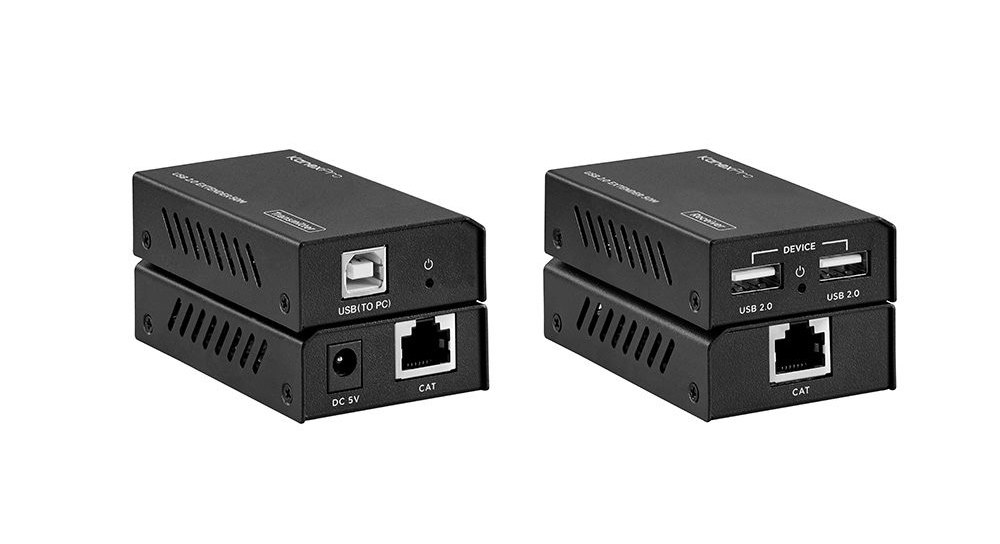
The EXT-USB250M extends USB 2.0 (up to 480Mbps) 50m/164ft over one Cat5e/6 cable, with two USB-A ports at the far end and a bus-powered transmitter.
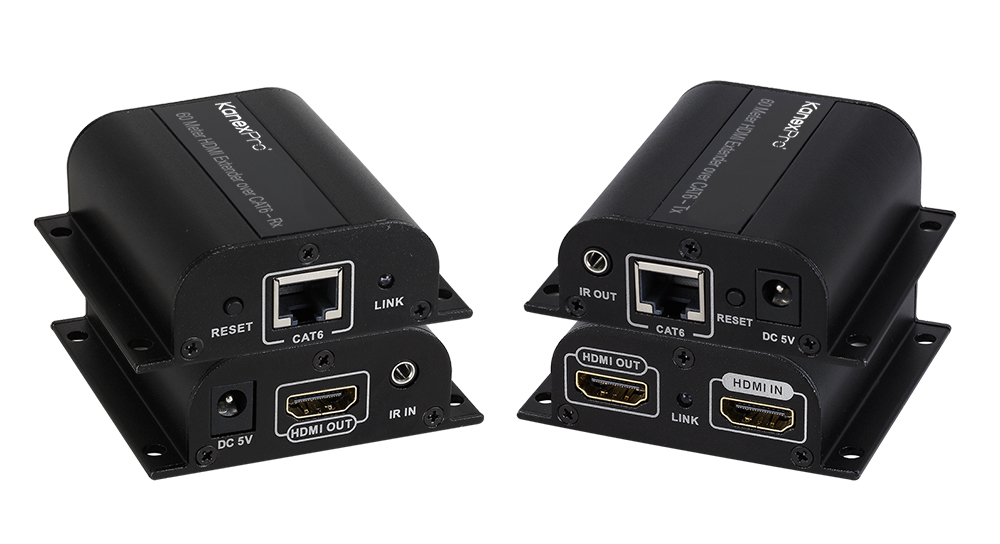
The EXT-HD60M sends 1080p@60Hz HDMI and IR up to 60m (196ft) over one CAT6/6a/7 cable, with a local HDMI loop-out on the transmitter. CAT5e won't…
KanexPro sells direct to dealers, resellers, installers and integrators, and through distribution. Whichever way you buy, the same engineers answer the phone.
The trade store: your own account, live stock, reordering, and a first look at new products.
Go to the trade store →Distribution and authorised resellers across the US and beyond.
See where to buy →Design help on extenders, matrix and AV over IP before you spec it.
Ask an engineer →