Application Notes: Presentation Room Deployment
Overview This guide covers deploying KanexPro Presentation switchers in medium-to-large conference rooms where multiple BYOD and legacy sources need…


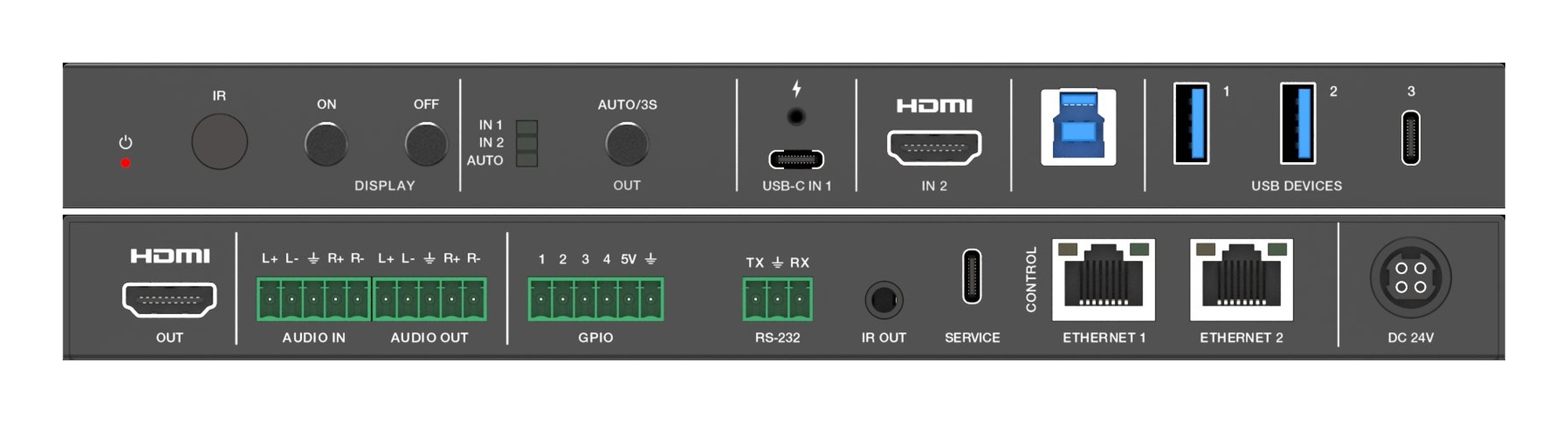
Overview This guide covers deploying KanexPro Presentation switchers in medium-to-large conference rooms where multiple BYOD and legacy sources need…

Dante USB & USB-C Audio Interfaces AUD-DTE-USB · AUD-DTE-USBC — Bidirectional computer audio to Dante The AUD-DTE-USB and AUD-DTE-USBC bridge a…
Full SKU guide — find the right Dante device for your application KanexPro offers a complete Dante audio line under the AUD-DTE- prefix. All products…
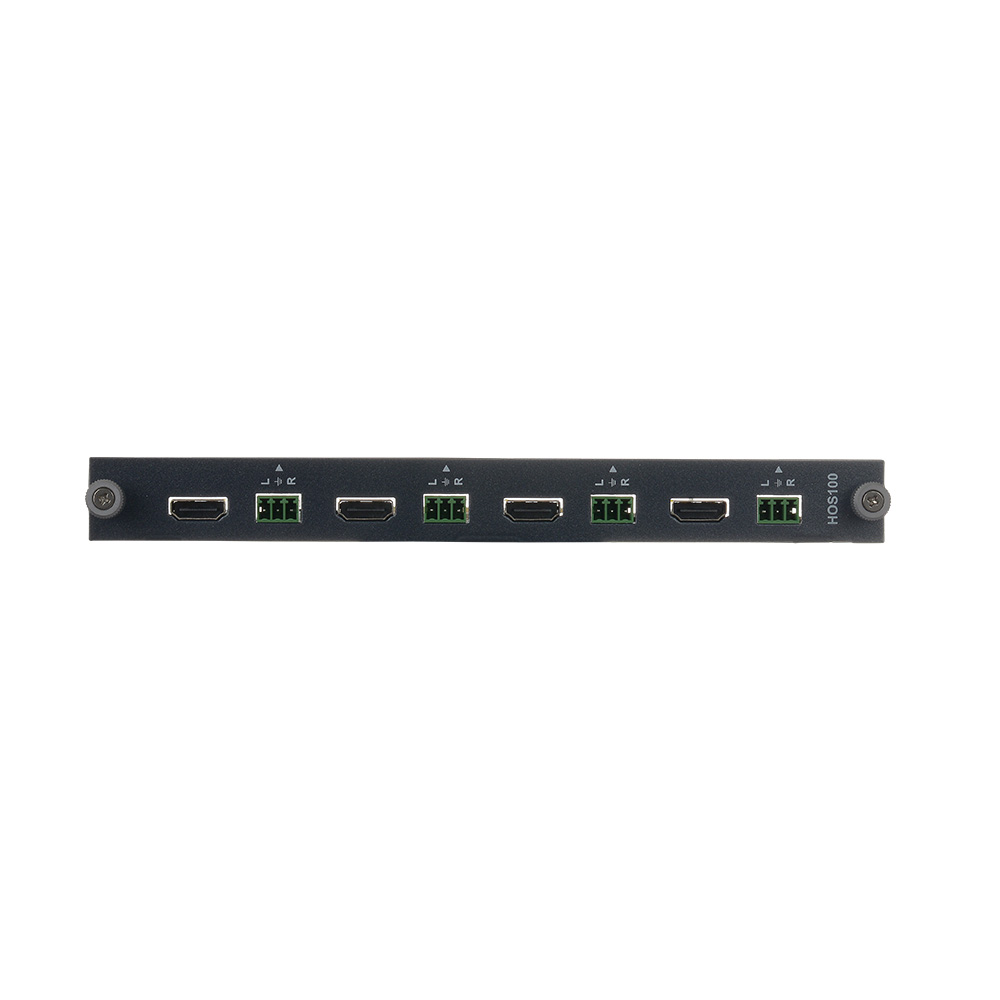
White Paper — Part 1 of 2 Dante/AES67-Native AV Matrix Infrastructure Eliminating the AV/IT Audio Divide with Flex Matrix Pro Executive Summary In…
Overview The FLEX chassis supports Quad View mode — displaying up to four independent sources simultaneously on a single display output in a divided…
Overview KanexPro Video Wall Controllers distribute a single source image across multiple displays in a tiled layout. Three models are available…
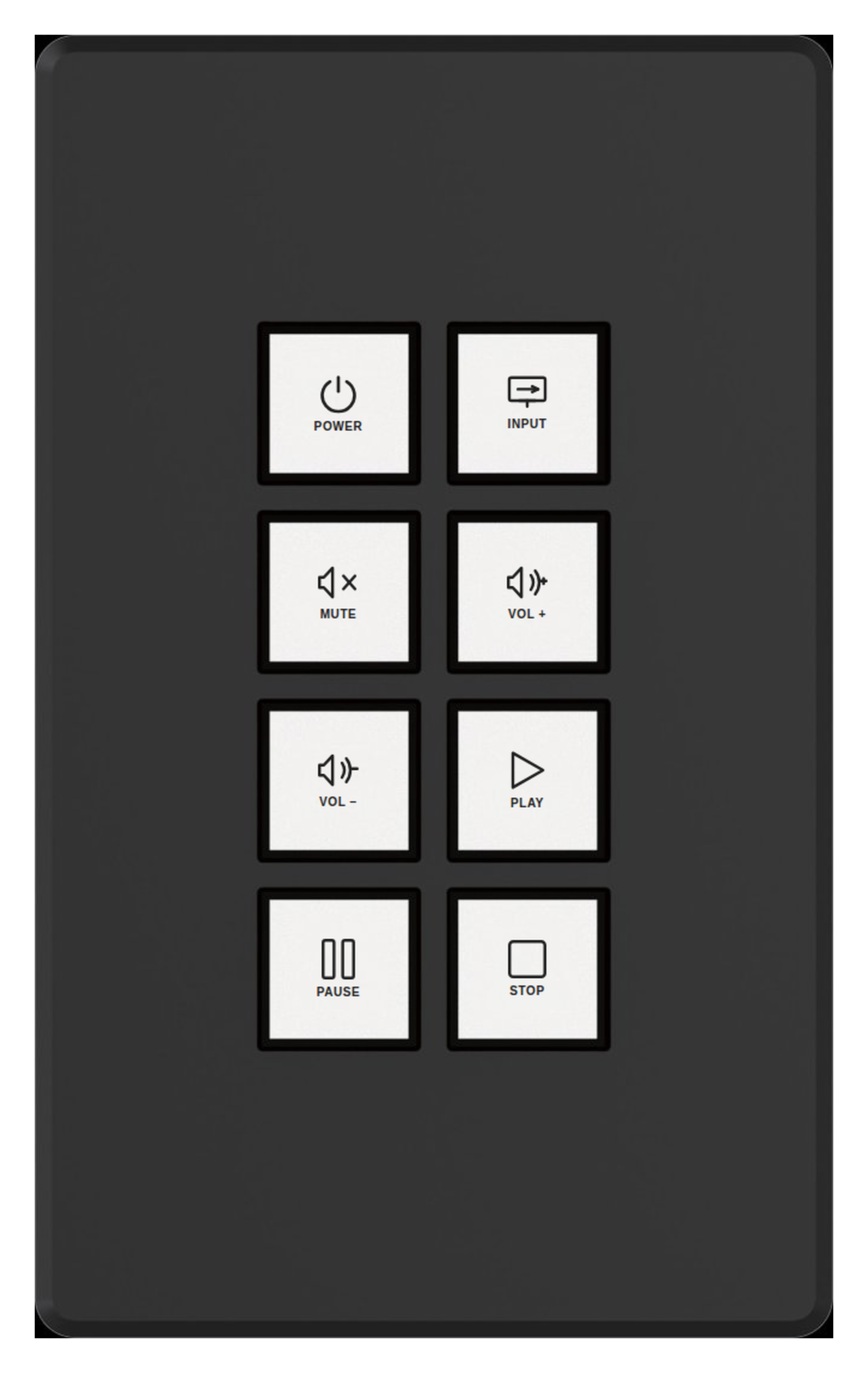
Overview KanexPro control extenders and expanders add additional I/O ports to the control system — either as a standalone IP-based controller for…
Overview This guide covers a typical full-room AV control deployment using KanexPro Controls products — combining a central processor, wall keypads…
Overview If a KanexPro control device (processor, expander, keypad, or touch panel) is not responding to commands or not appearing on the network…
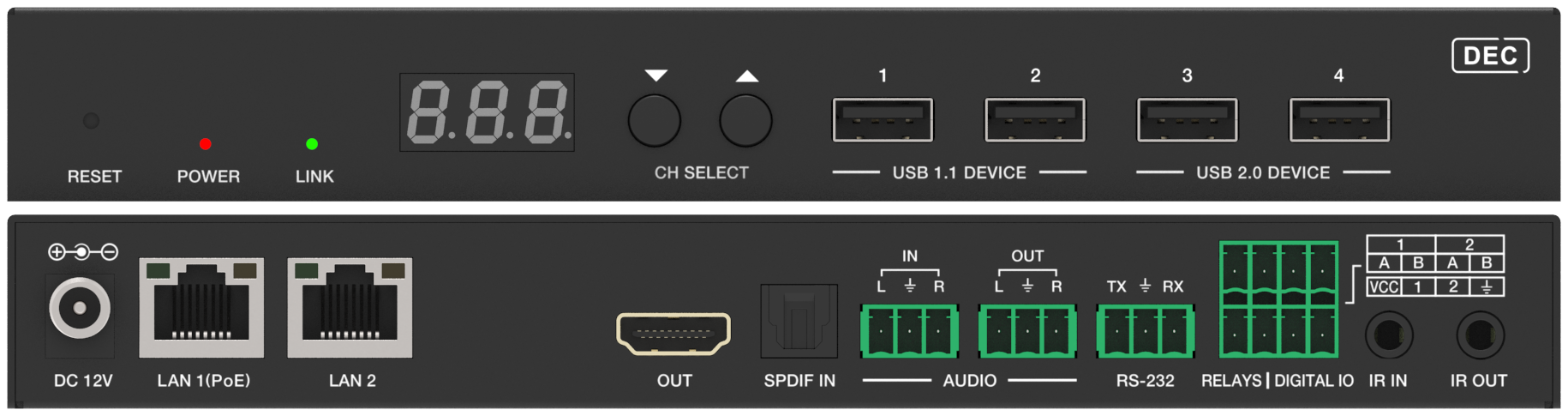
Matrix for small rooms without IT support; matrix or SDVoE for broadcast and latency-critical work; AV over IP for large or growing systems.
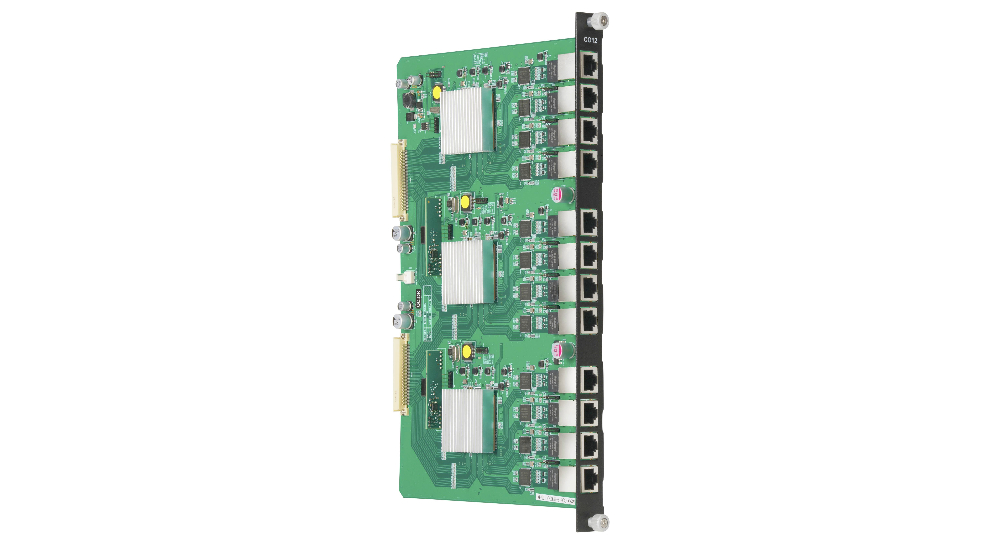
Overview This guide covers physical installation of the FLEX chassis, card installation sequence, power-up procedure, and cabling best practices…
Overview KanexPro touch panels provide a graphical, wall-mounted user interface for room control. They communicate with the control processor over IP…
KanexPro sells direct to dealers, resellers, installers and integrators, and through distribution. Whichever way you buy, the same engineers answer the phone.
The trade store: your own account, live stock, reordering, and a first look at new products.
Go to the trade store →Distribution and authorised resellers across the US and beyond.
See where to buy →Design help on extenders, matrix and AV over IP before you spec it.
Ask an engineer →