System Design Guide: Sizing Your Flex Matrix
Overview The FLEX Matrix is a modular system — the chassis determines maximum slot capacity, and the cards you install determine actual I/O count…


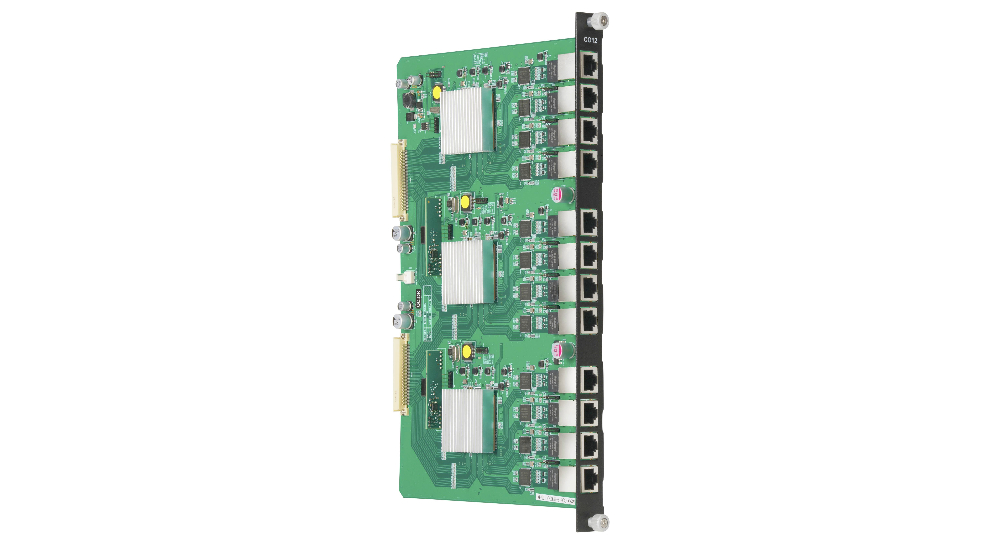
Overview The FLEX Matrix is a modular system — the chassis determines maximum slot capacity, and the cards you install determine actual I/O count…
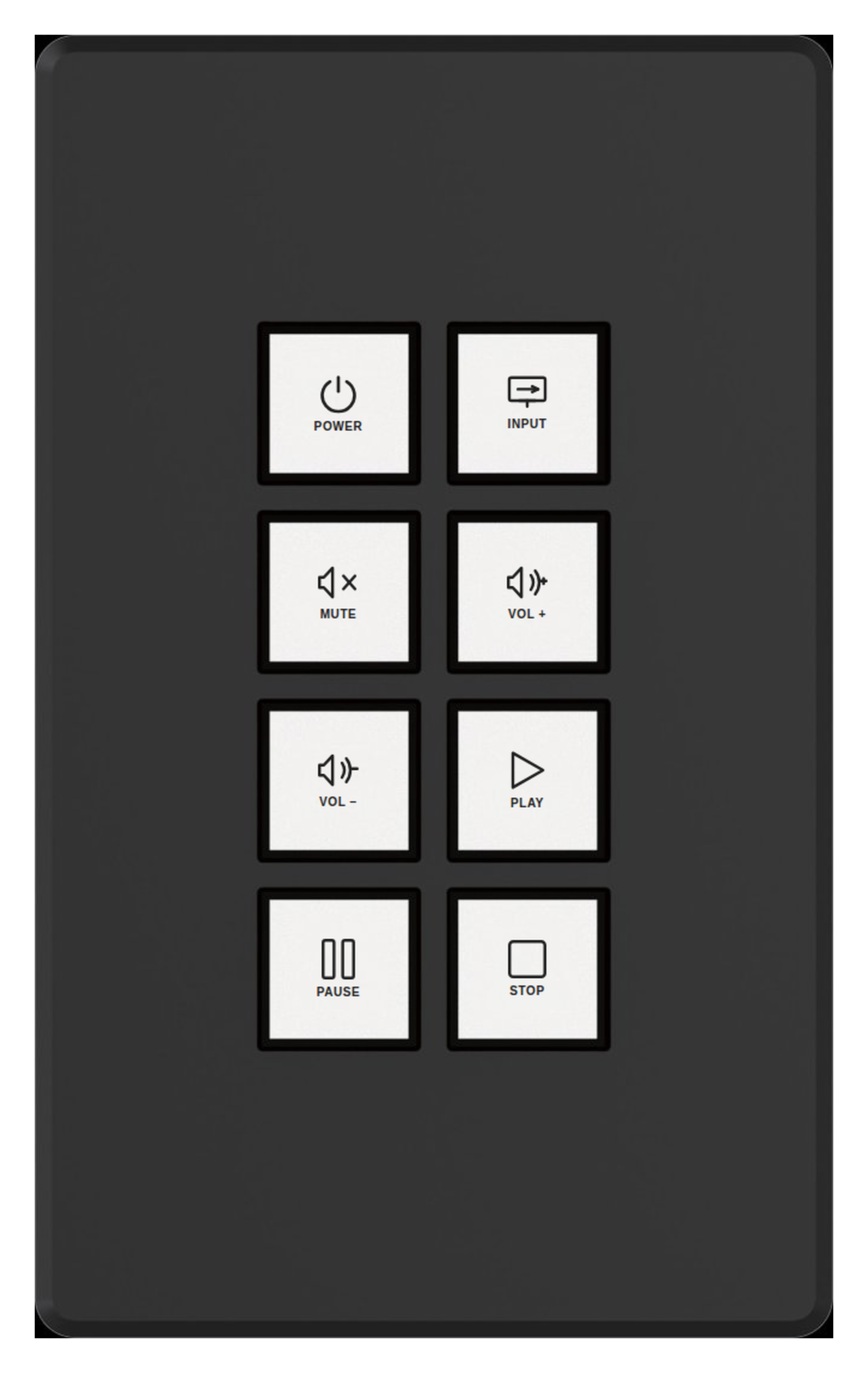
Overview KanexPro programmable wall keypads provide one-touch scene control for AV rooms. Each button can trigger any programmed action on the…

150W Class D Dante Amplifier with DSP — Lo-Z / Hi-Z / 70V/100V Deliver Dante network audio directly to speakers with a compact, DSP-equipped Class D…
Overview FLEX Cards are the modular I/O expansion units that populate the FLEX chassis. Input cards add source connections; output cards add display…
What is the KanexPro Controls Line? KanexPro Controls is a scalable AV control system for meeting rooms, boardrooms, auditoriums, and multi-room…
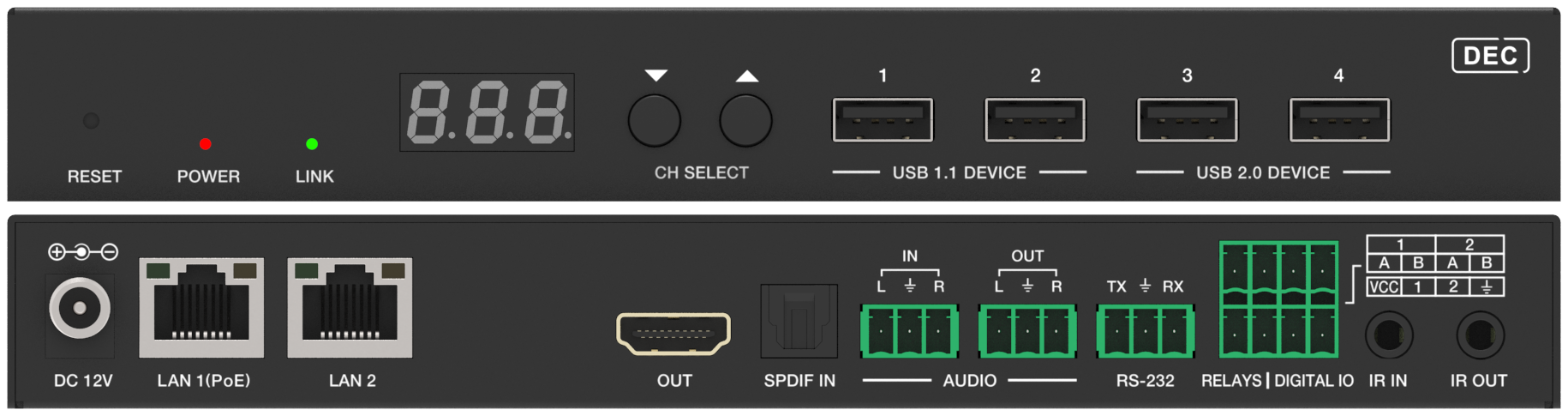
Part 2 compares AV over IP with matrix switching on distance, control integration and expansion, with a decision table by venue and scale.
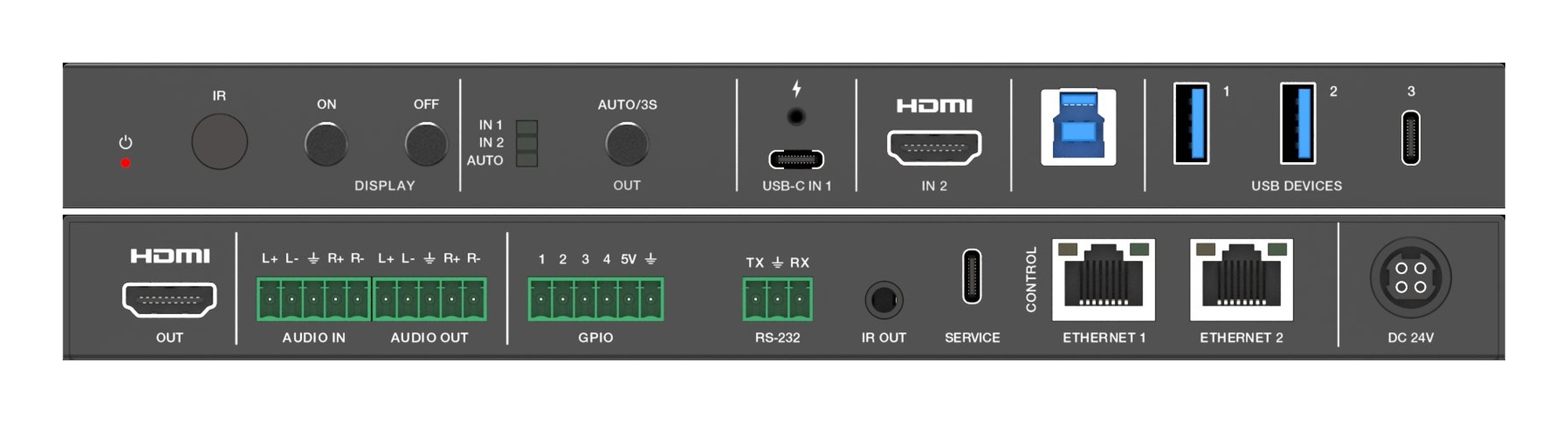
Overview If a KanexPro collaboration product is showing no video, no audio, or incorrect output, work through the steps below in order. Step 1 —…
Getting Started What is Dante? A primer on Dante audio networking for AV professionals Dante is an audio-over-IP networking protocol developed by…
Overview KanexPro AV over IP requires a managed switch with specific settings. This article lists tested and recommended switch models for JPEG2000…
Overview KanexPro Presentation Switchers are designed for medium-to-large conference rooms where multiple BYOD and legacy sources need to share one…
Overview This guide covers deploying KanexPro COL-HUD switchers in small BYOD conference rooms — typically 2–8 people with one or two displays…
Overview The FLEX chassis is fully managed via a web-based GUI accessible over the local network. It also supports RS-232 control, TCP/IP control…
KanexPro sells direct to dealers, resellers, installers and integrators, and through distribution. Whichever way you buy, the same engineers answer the phone.
The trade store: your own account, live stock, reordering, and a first look at new products.
Go to the trade store →Distribution and authorised resellers across the US and beyond.
See where to buy →Design help on extenders, matrix and AV over IP before you spec it.
Ask an engineer →