AUD-EARC-8K: eARC Audio Routing, Formats and EDID
The AUD-EARC-8K passes HDMI 2.1 video to the TV and sends audio to soundbar, amp, optical and L/R at once, with no decoding or downmixing.


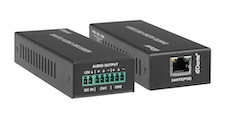 AUD-DTE-DCODE
Dante enabled 2-Channel Analog Audio Decoder with POE
Receive high-quality audio over a Dante network and output it as analog audio using a compact…
Product page →
AUD-DTE-DCODE
Dante enabled 2-Channel Analog Audio Decoder with POE
Receive high-quality audio over a Dante network and output it as analog audio using a compact…
Product page →
AUD-DTE-DCODE · AUD-DTE-LINEOUT · AUD-DTE-XLROUT
Three Dante output adapters that receive audio from the Dante network and convert it to an analog signal for amplifiers, mixers, DSPs, and other equipment. All are PoE powered and 2-channel.
AUD-DTE-DCODE · PoE powered
Receives Dante audio and outputs balanced or unbalanced stereo analog. The most versatile output adapter — feeds any analog amplifier, mixer, or DSP. Use when the destination accepts standard line-level input (RCA, 3.5mm, or balanced terminals).
AUD-DTE-LINEOUT · PoE or USB-C powered
Dante to balanced/unbalanced analog, 5-level gain adjustment, PoE or USB-C powered. Compact form factor. Choose when PoE is unavailable at the output location.
AUD-DTE-XLROUT · PoE powered
Converts Dante to professional 3-pin XLR balanced output. For amplifiers, powered speakers, FOH mixers, and DSPs with XLR inputs. Choose when the destination uses XLR connectors.
| SKU | Output | Gain Adjust | Power |
|---|---|---|---|
| AUD-DTE-DCODE | Balanced/Unbalanced | Yes | PoE |
| AUD-DTE-LINEOUT | Balanced/Unbalanced | 5-level | PoE / USB-C |
| AUD-DTE-XLROUT | XLR professional | Yes | PoE |
Use the AUD-DTE-2CHAMP — a Dante-native 150W amplifier with built-in DSP. The DCODE/LINEOUT/XLROUT require a separate power amplifier.
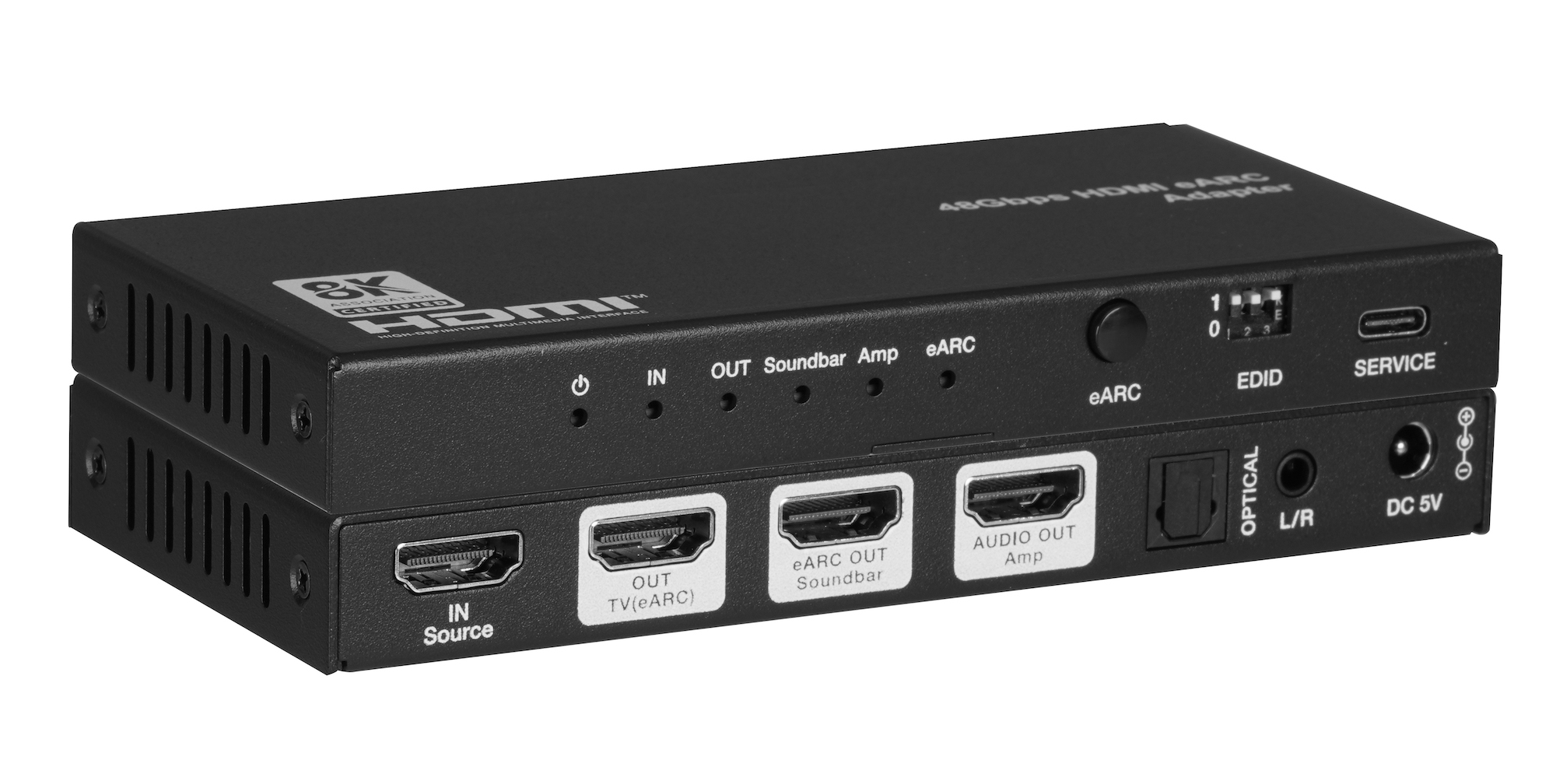
The AUD-EARC-8K passes HDMI 2.1 video to the TV and sends audio to soundbar, amp, optical and L/R at once, with no decoding or downmixing.
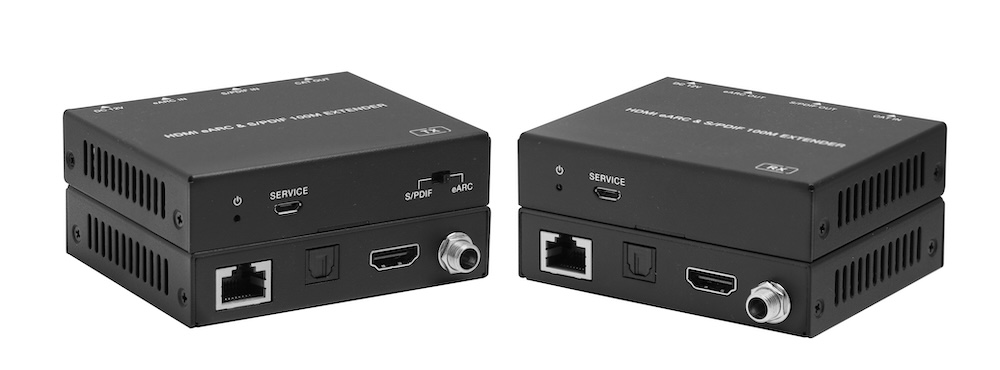
The AUD-EXT-EARC100M carries HDMI eARC or S/PDIF audio from a TV to a soundbar or AVR up to 100m/328ft over one CAT cable, powered from either end.
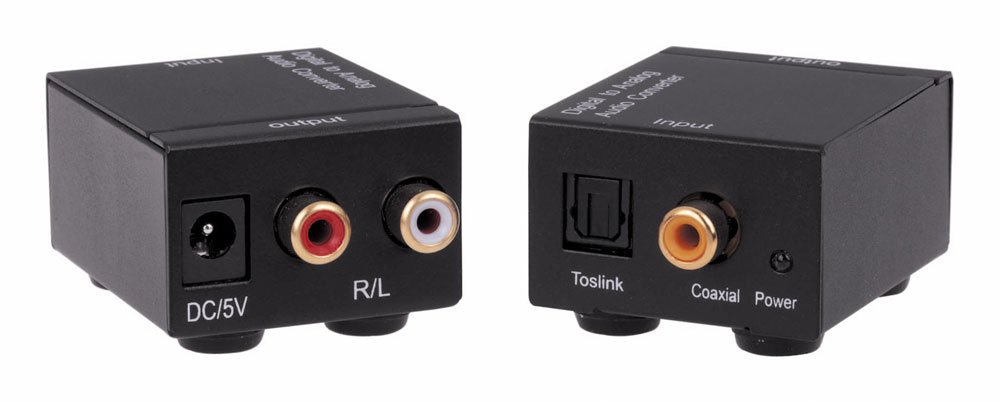
The AUD2ACV converts optical TOSLINK or coaxial S/PDIF audio to analog stereo on RCA R/L at 48 kHz, powered by an included 5V 1A supply.
KanexPro sells direct to dealers, resellers, installers and integrators, and through distribution. Whichever way you buy, the same engineers answer the phone.
The trade store: your own account, live stock, reordering, and a first look at new products.
Go to the trade store →Distribution and authorised resellers across the US and beyond.
See where to buy →Design help on extenders, matrix and AV over IP before you spec it.
Ask an engineer →