SP-HD1X48K: One 8K Source to 8K, 4K and 1080p Displays
The SP-HD1X48K splits one HDMI 2.1 source to four displays. Each output scales and converts HDR to SDR to suit its own 8K, 4K or 1080p screen.

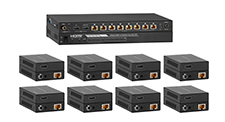 SP-HDPOC1X8
1×8 HDMI Splitter & Distribution Amplifier over CAT6 with PoC — 4K60 to 35m, 1080p…
Compact 4K60 Splitter Kit with PoC, HDR Pass-Through & Audio Extraction — Eight Outputs
Product page →
The SP-HDPOC1X8 is a 1×8 HDMI distribution amplifier kit. It sends one HDMI source to eight displays, each over its own CAT6/6a/7 cable. The transmitter powers all eight receivers over those same cables (PoC), so you need no power adapter at any display. It is built for integrators fitting out schools, retail chains, worship campuses and hospitality venues that need more than four screens from one source.
Applies to: SP-HDPOC1X8 (1× transmitter splitter and 8× receivers)
The transmitter takes one HDMI input and has three kinds of output. An HDMI loop output feeds a local monitor. Eight CAT outputs (RJ45) each feed a receiver, and each receiver has an HDMI output for its display. The kit includes 1× TX splitter, 8× RX receivers, 8× IR blaster cables, 1× 12V/2.5A power adapter and 1× user manual. The transmitter has a black metal housing measuring 300mm (W) × 100mm (D) × 28mm (H). Its compact shape lets it mount in shallow racks or hide behind equipment.
They all show the same picture. This is a splitter: every receiver and the HDMI loop output carry the one signal arriving at the transmitter's HDMI input. Whatever the source sends to that HDMI port is what all eight displays show. It does not create separate desktops or send different content to different screens.
The distance depends on the resolution. Each run uses a single CAT6/6a/7 cable from a transmitter CAT output to a receiver:
The product record calls for STP cable with solid copper conductors, not CCA (copper-clad aluminium).
The system is HDMI 2.0 and HDCP 2.2/1.x compliant and is also DVI 1.0 compliant. It supports a video bandwidth of 594 MHz / 18 Gbps and resolutions up to 4K2K@50/60Hz 4:4:4. Colour depth is 8/10/12-bit. Supported colour spaces are RGB, YCbCr 4:4:4 / 4:2:2 and YUV 4:2:0. It passes 3D, HDR10, HDR10+, HLG and Dolby Vision.
Yes. HDMI audio passes through to the displays, including up to 7.1CH HD audio: LPCM, Dolby Digital/Plus/EX, Dolby TrueHD, DTS, DTS-EX, DTS-96/24, DTS High Res, DTS-HD MA and DSD. The transmitter also de-embeds audio onto two outputs. The coaxial (RCA) output carries LPCM 2.0/5.1 and Dolby Digital 2/5.1CH, and the 3.5mm L/R output carries PCM 2.0. To get Dolby or DTS from these outputs, choose an EDID mode that includes 5.1 or 7.1 audio.
Use the EDID dial switch on the transmitter. It selects one EDID preset for the whole system. When the displays support different resolutions, set it to the lowest resolution they all share.
Yes, in one direction. Each receiver has a 3.5mm IR IN, and the transmitter has a 3.5mm IR OUT. A remote pointed at any display can control the source at the transmitter. IR does not pass the other way.
Yes. The transmitter has a Micro-USB SERVICE port and each receiver has a Mini-USB SERVICE port.
| Video Bandwidth | 594 MHz / 18 Gbps |
| Video Resolution | Up to 4K2K@50/60Hz 4:4:4 |
| 4K2K@60Hz | Up to 35m over CAT6/6a/7 |
| 4K2K@30Hz | Up to 50m over CAT6/6a/7 |
| 1080p@60Hz | Up to 60m / 197ft over CAT6/6a/7 |
| PoC | One-way, transmitter to receivers |
| Power Supply | Input: AC 100–240V 50/60Hz, Output: DC 12V/2.5A |
| Power Consumption | 25.44W |
| Operating Temperature | 0°C – 40°C / 32°F – 104°F |
| Regulatory | CE, FCC, UL |
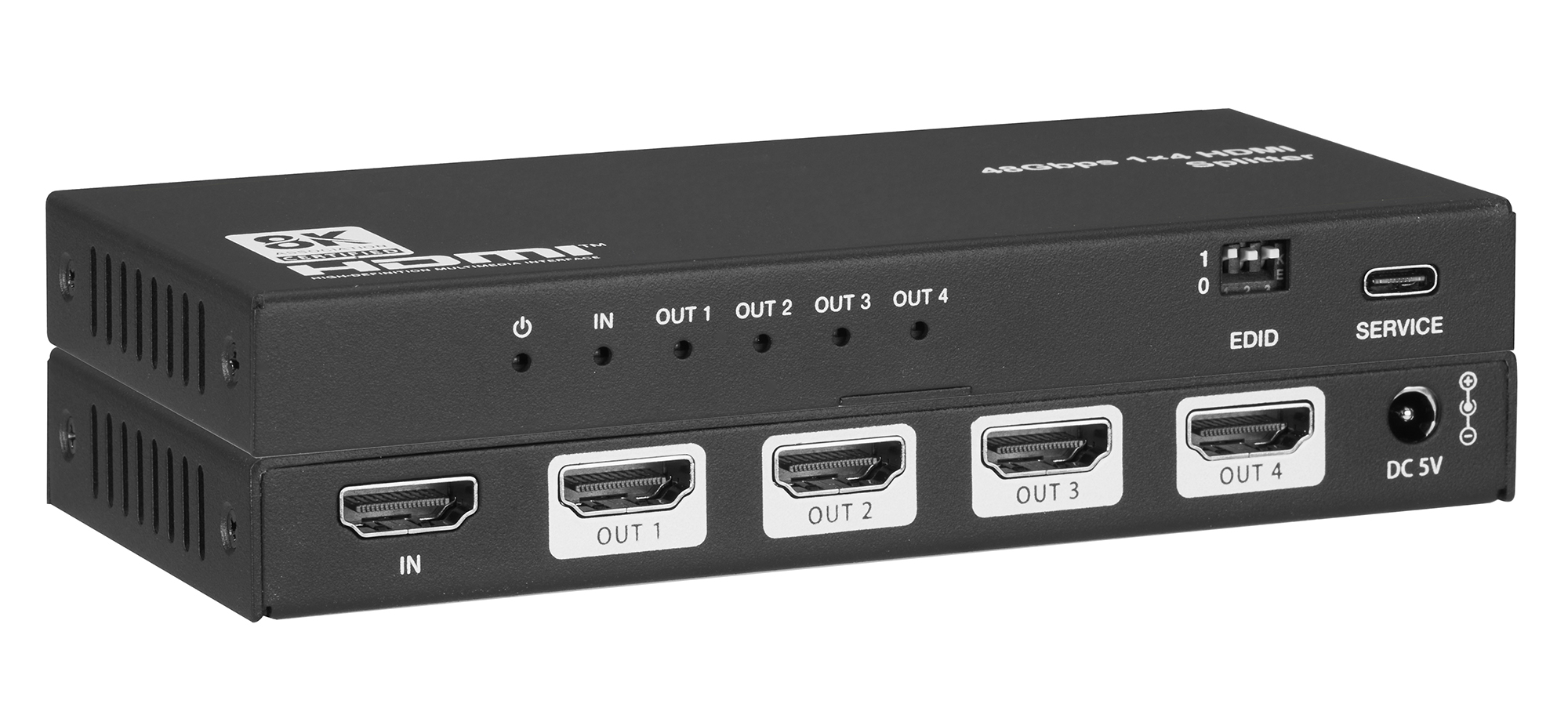
The SP-HD1X48K splits one HDMI 2.1 source to four displays. Each output scales and converts HDR to SDR to suit its own 8K, 4K or 1080p screen.
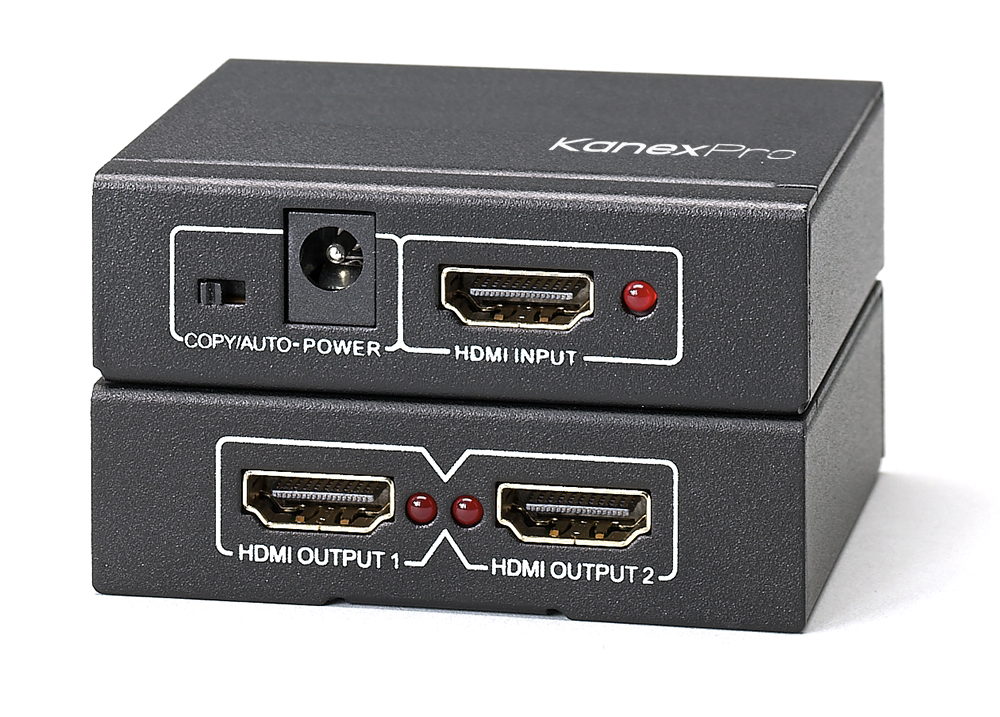
CEC on the SP-HD1X24K passes from the input to HDMI Output 1 only. Put the display the source must power on or off on Output 1; Output 2 gets no CEC.
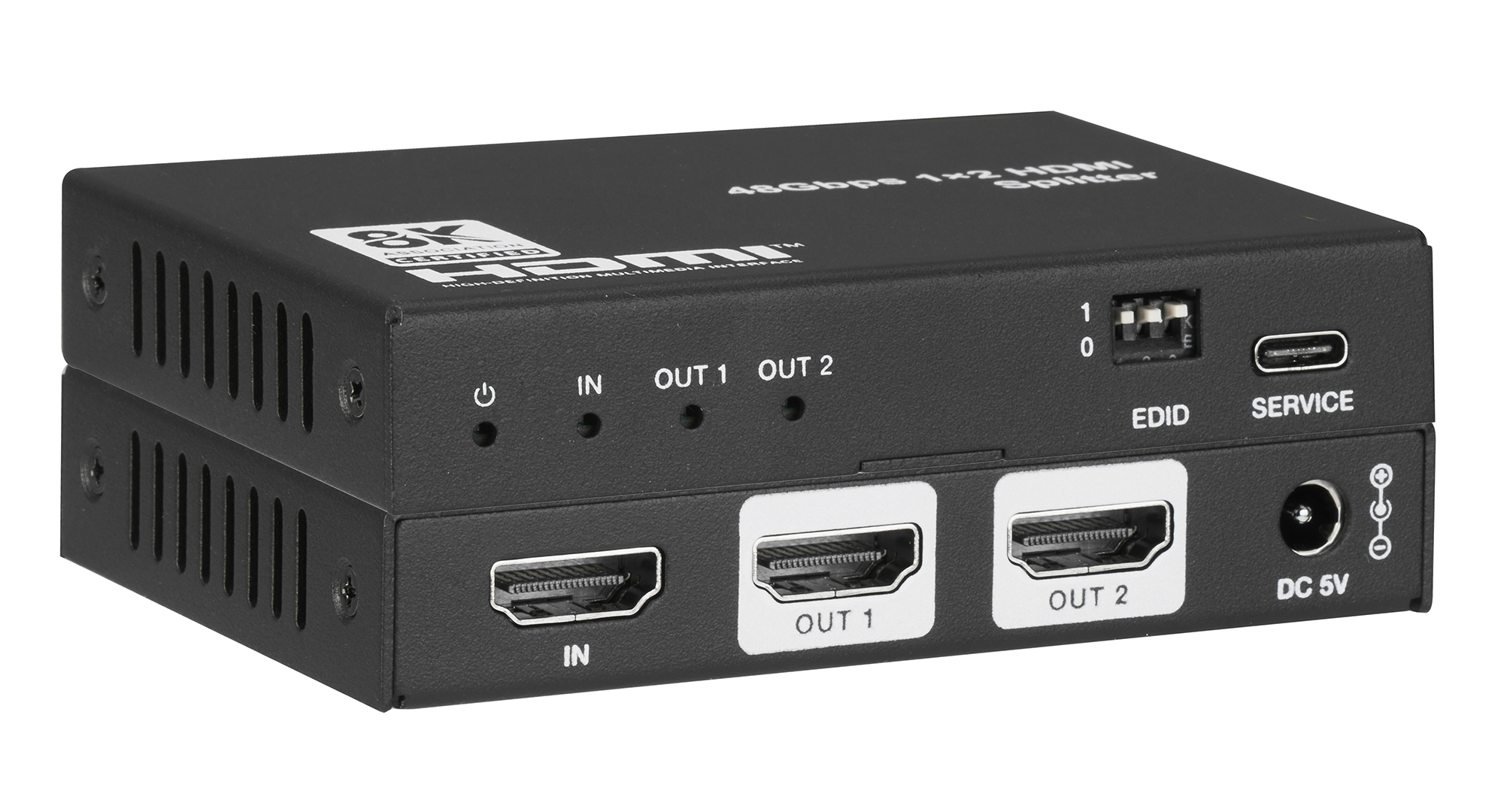
With a 4K HDR source, a 4K HDR TV gets the signal unchanged and a 1080p TV gets downscaled 1080p SDR. Each output follows its own display's EDID.
KanexPro sells direct to dealers, resellers, installers and integrators, and through distribution. Whichever way you buy, the same engineers answer the phone.
The trade store: your own account, live stock, reordering, and a first look at new products.
Go to the trade store →Distribution and authorised resellers across the US and beyond.
See where to buy →Design help on extenders, matrix and AV over IP before you spec it.
Ask an engineer →