EXT-HD60M: 1080p HDMI Extender over CAT6 Explained
The EXT-HD60M sends 1080p@60Hz HDMI and IR up to 60m (196ft) over one CAT6/6a/7 cable, with a local HDMI loop-out on the transmitter. CAT5e won't…


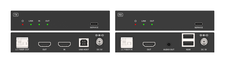 EXT-HD4KFIBKVM-10KM
4K60 HDMI-over-Fiber Extender with USB KVM (10km)
Rack the Source, Control It from the Display — Point-to-Point 4K60 4:4:4 plus Keyboard/Mouse…
Product page →
EXT-HD4KFIBKVM-10KM
4K60 HDMI-over-Fiber Extender with USB KVM (10km)
Rack the Source, Control It from the Display — Point-to-Point 4K60 4:4:4 plus Keyboard/Mouse…
Product page →
The EXT-HD4KFIBKVM-10KM is a point-to-point HDMI-over-fiber extender that racks a 4K source in a secure equipment room and delivers its uncompressed picture — plus keyboard and mouse control — to a remote display over a single fiber. The kit is a matched transmitter and receiver, each a black metal unit measuring 4.72" × 3.07" × 0.96" (120 × 78 × 24.5mm) and drawing under 4W from a locking 5V supply. It is built for stadiums, campuses, hospitals and control rooms where reach, signal integrity and remote control matter more than the many-to-many switching of an AV-over-IP fabric.
The link runs up to 10km over single-mode fiber, carrying resolutions up to 4K2K@60Hz 4:4:4. It also supports OM4 multimode fiber for shorter runs, matching a different SFP+ optic to whichever plant is installed. Optics are a 10G SFP+ module with an LC connector, so you match the module to the fiber plant you have. Physically, you connect the transmitter's LC FIBER OUT to the receiver's LC FIBER IN with a single fiber-optic cable. There is no switch to configure and no network to engineer between the two ends.
It is HDMI 2.0b and HDCP 2.2 compliant with 18Gbps of video bandwidth, and it passes true 4K60 4:4:4 without subsampling chroma across the run. Supported input and output resolutions include 4096×2160p60/50, 3840×2160p60/50/30/25, 1920×1200p60RB, 1920×1080p60/50 and 1280×720p60/50, across RGB, YCbCr 4:4:4, 4:2:2 and 4:2:0 color spaces. Color depth support spans 8/10/12-bit. HDR10, HDR10+, Dolby Vision and HLG pass through the link. Audio spans LPCM 2/5.1/7.1CH, Dolby Digital/Plus/EX, Dolby TrueHD, DTS and its variants through DTS-HD Master Audio, and DSD. The receiver adds a 3.5mm AUDIO OUT that de-embeds analog audio, and the transmitter offers an HDMI loop output for a local confidence monitor at the source.
The extender carries USB 1.1 keyboard and mouse traffic in both directions, so an operator at the display end can drive the source computer over the same fiber pair — no separate USB run. Connect the computer to the transmitter's USB HOST (USB-B) port, and connect the keyboard and mouse to the receiver's K&M dual-layer USB-A ports. Because the USB traffic rides the optical link, the fiber connection must be up — shown by a green LINK LED on both units — for the keyboard and mouse to respond.
EDID is managed automatically. If displays are connected to both HDMI outputs — the loop-out on the transmitter and the output on the receiver — the extender compares the two sink EDIDs and selects the lower, more compatible of the two. If only one end has a display connected, it copies the EDID from that connected sink. This resolves the source's output format to what the connected displays can actually accept, without manual intervention.
Each unit takes DC 5V/2A at its power input, fed from an AC 100–240V, 50/60Hz supply; the transmitter draws 3.85W maximum and the receiver 3.3W maximum. The box includes the transmitter, the receiver, two 5V/2A multinational locking power supplies, a 1.5m USB Type-A to Type-B cable, four mounting ears and eight KM3×6 machine screws. The units carry ESD protection to IEC 61000-4-2 (±8kV air-gap, ±4kV contact), and a surge-protection device is recommended because the electronics can be damaged by spikes, surges or lightning.
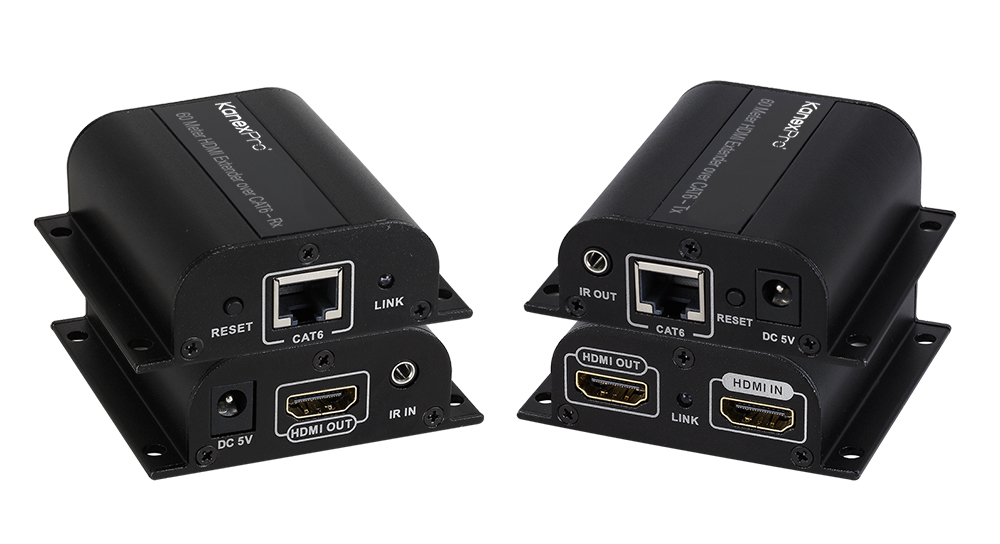
The EXT-HD60M sends 1080p@60Hz HDMI and IR up to 60m (196ft) over one CAT6/6a/7 cable, with a local HDMI loop-out on the transmitter. CAT5e won't…
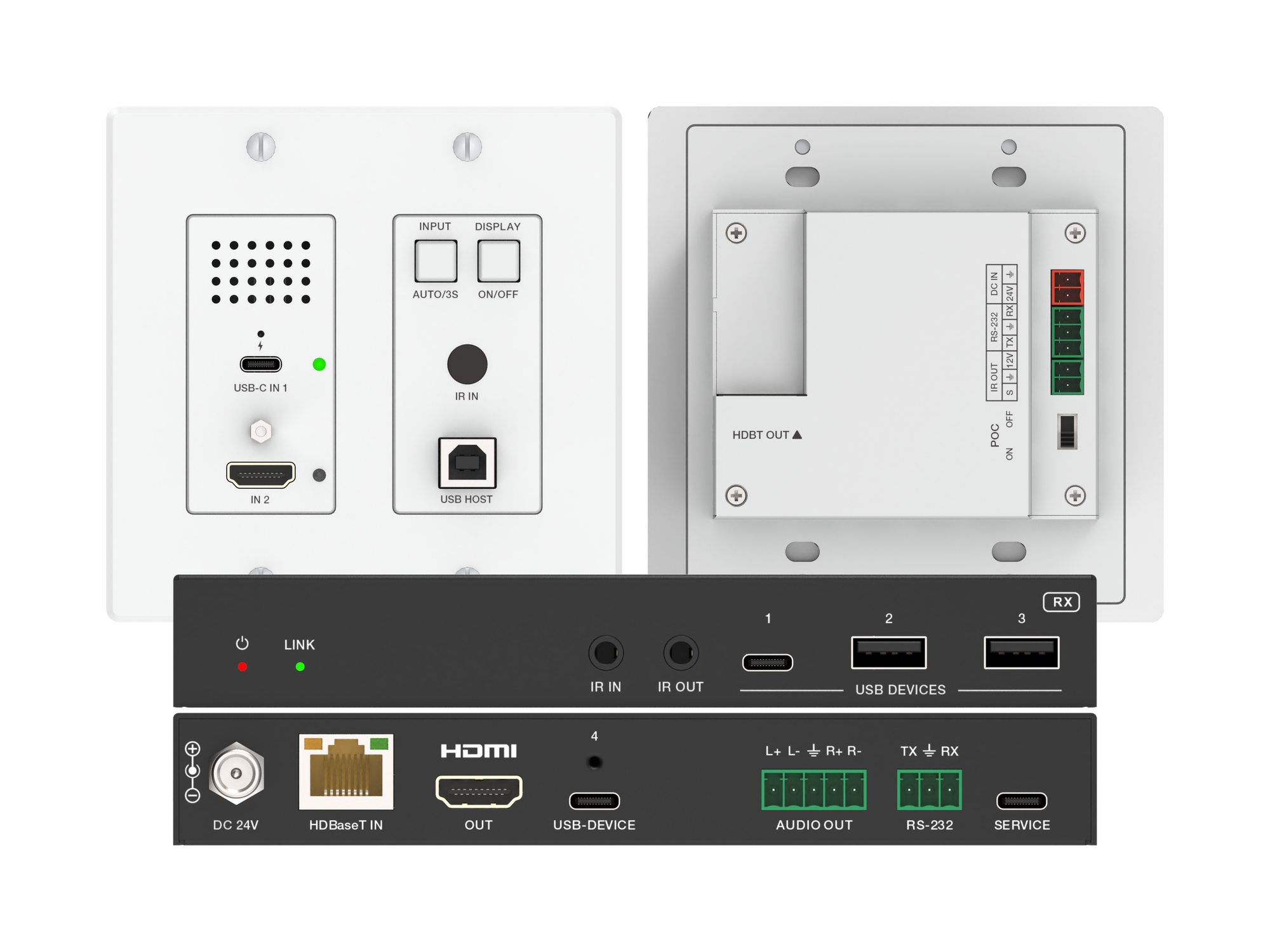
A 2-gang wall plate that sends laptop USB-C or HDMI video, USB 2.0 and 60W charging to a display up to 100m away over one CAT6/6A cable.
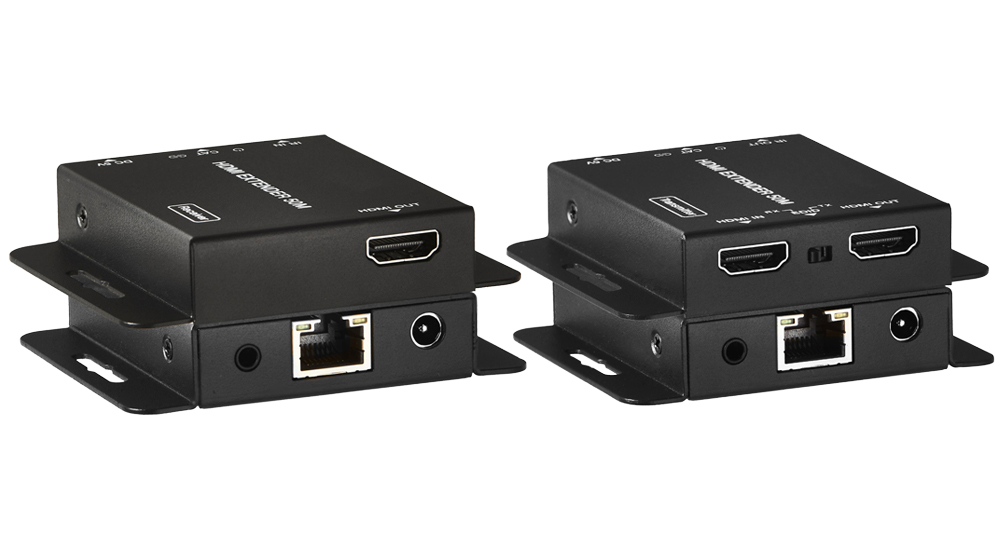
The EXT-HD50C sends HDMI over one Cat5e/6 run — 70M at 1080p or 40M at 4K@30Hz on Cat6 — with HDMI 1.4/HDCP 1.4 and loop-out.
KanexPro sells direct to dealers, resellers, installers and integrators, and through distribution. Whichever way you buy, the same engineers answer the phone.
The trade store: your own account, live stock, reordering, and a first look at new products.
Go to the trade store →Distribution and authorised resellers across the US and beyond.
See where to buy →Design help on extenders, matrix and AV over IP before you spec it.
Ask an engineer →