USB Extension Cable vs Active USB Cable: Which One Should You Buy in 2026?
We live in a world where everything's digital and we use USB connections all the time. We use them at work in conference rooms in classrooms at home…


Specifying extension, switching, splitting and AV over IP: what to choose, and where installations go wrong.
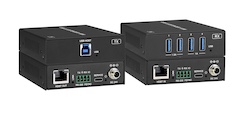
We live in a world where everything's digital and we use USB connections all the time. We use them at work in conference rooms in classrooms at home…
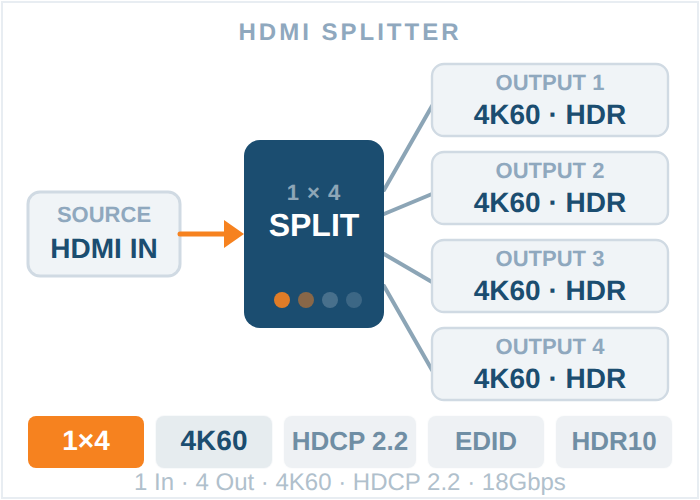
In today's world of high-definition television and audio systems that work in more than one room, it's important to make sure the signal is…
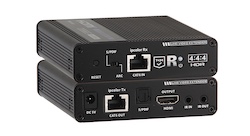
An HDMI extender carries HDMI audio and video past normal cable length, usually as a transmitter and receiver pair over one Cat6 cable or fibre.
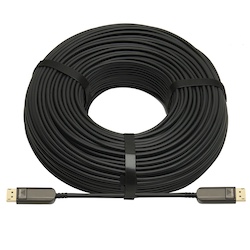
DisplayPort vs HDMI: DisplayPort leads on refresh rate and multi-monitor PCs, HDMI on TVs and long runs, and USB-C can carry DisplayPort via Alt Mode.
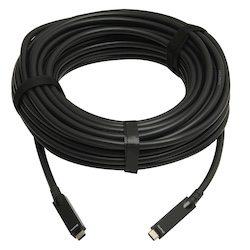
Modern meeting rooms need to have high-quality visuals and easy access to the internet. It's very important to have a solid setup for a business…
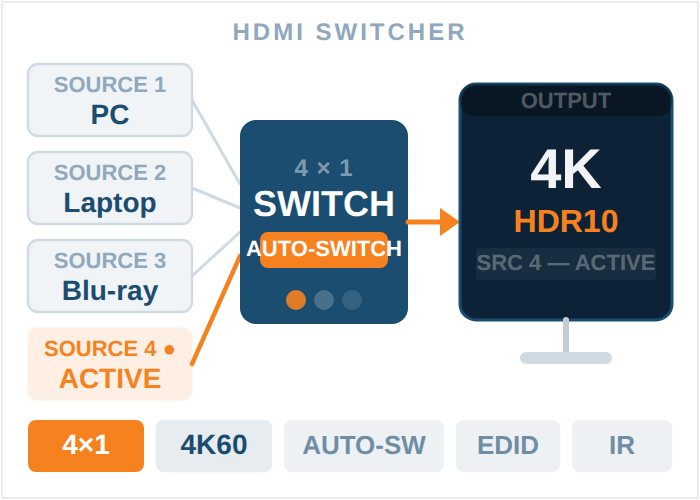
The Audio-Visual (AV) market is changing quickly, and Artificial Intelligence (AI) is already a big part of how meeting rooms and presentation spaces…
Choosing and installing the right cables is essential for the performance of AV projects in homes and businesses nowadays. Choosing the correct AV…
The AV and display technology industry is evolving faster than ever, with 4K and 8K displays becoming the new standard across commercial…
There are several particular problems that come with hosting a big event, and one of the most important things is making sure that the audiovisual…
Being able to change things and control your professional AV (audio-visual) equipment is essential. It's important to be able to manage a lot of…
The best HDMI extender depends on distance: Cat6 or HDBaseT kits reach 50 m or more (check the 4K60 rating), fibre goes further, and some add USB.
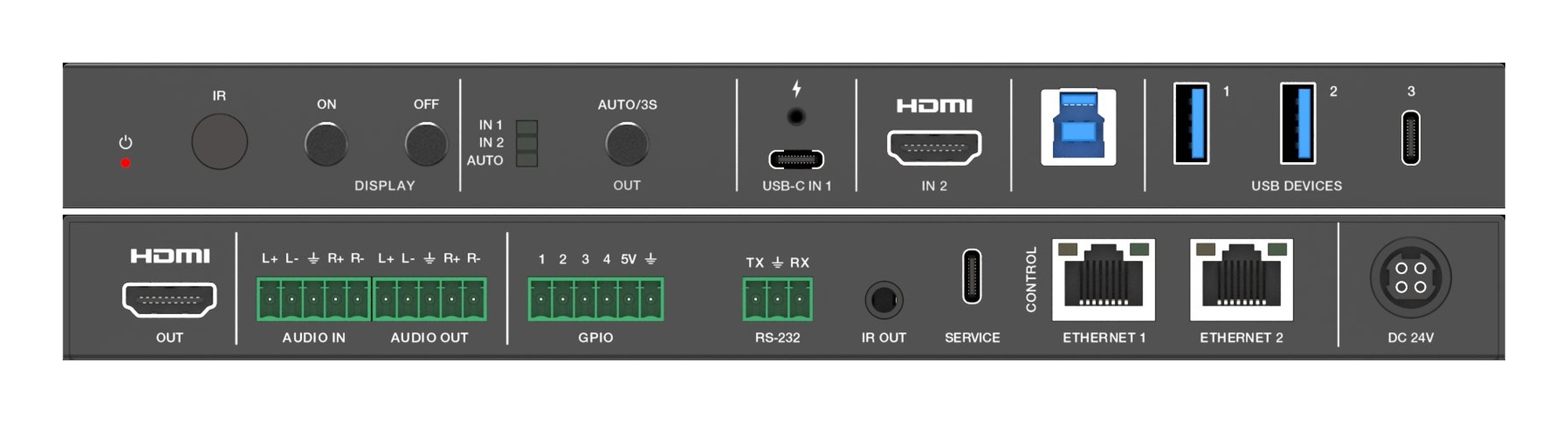
A Flexible Place for Meetings, Classes, and Professional Growth In today's fast-paced world, both schools and communities need to communicate…
Subscribe by RSS — new guides as they are published, in any reader.
KanexPro sells direct to dealers, resellers, installers and integrators, and through distribution. Whichever way you buy, the same engineers answer the phone.
The trade store: your own account, live stock, reordering, and a first look at new products.
Go to the trade store →Distribution and authorised resellers across the US and beyond.
See where to buy →Design help on extenders, matrix and AV over IP before you spec it.
Ask an engineer →